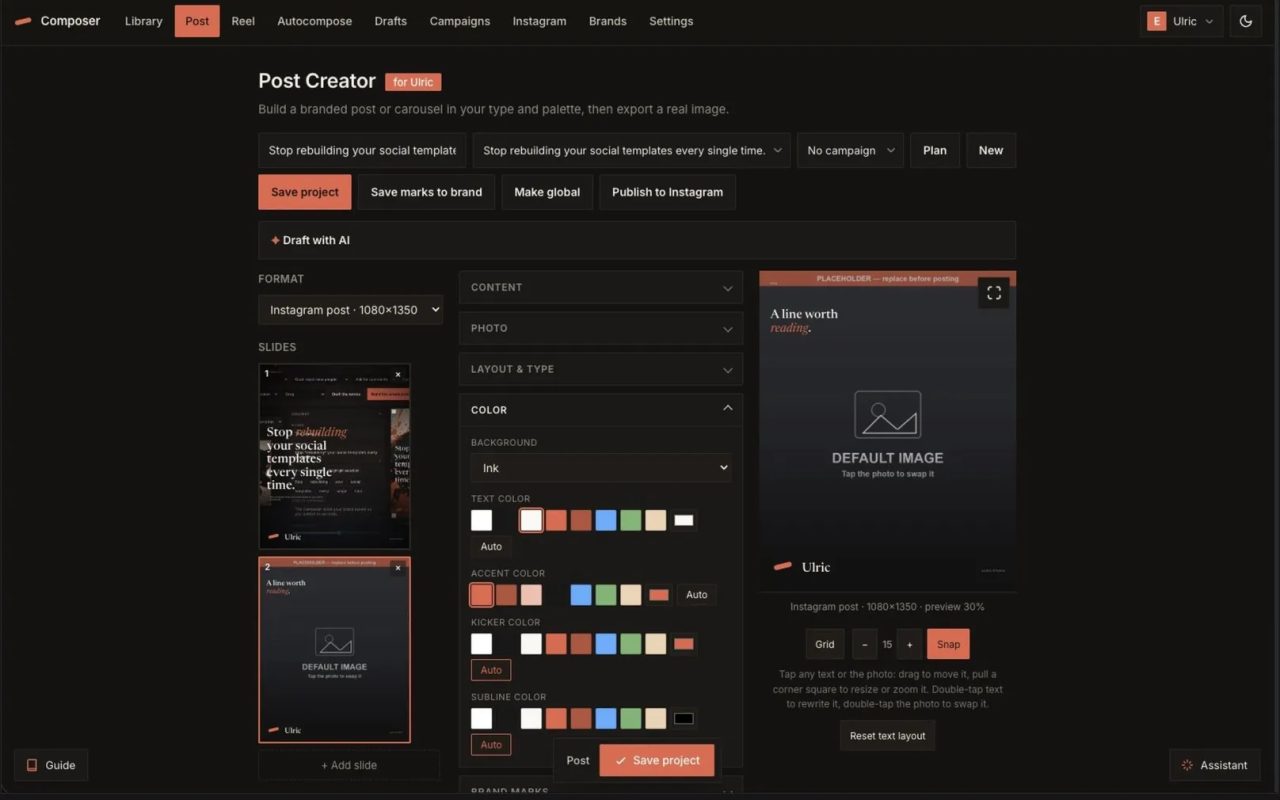
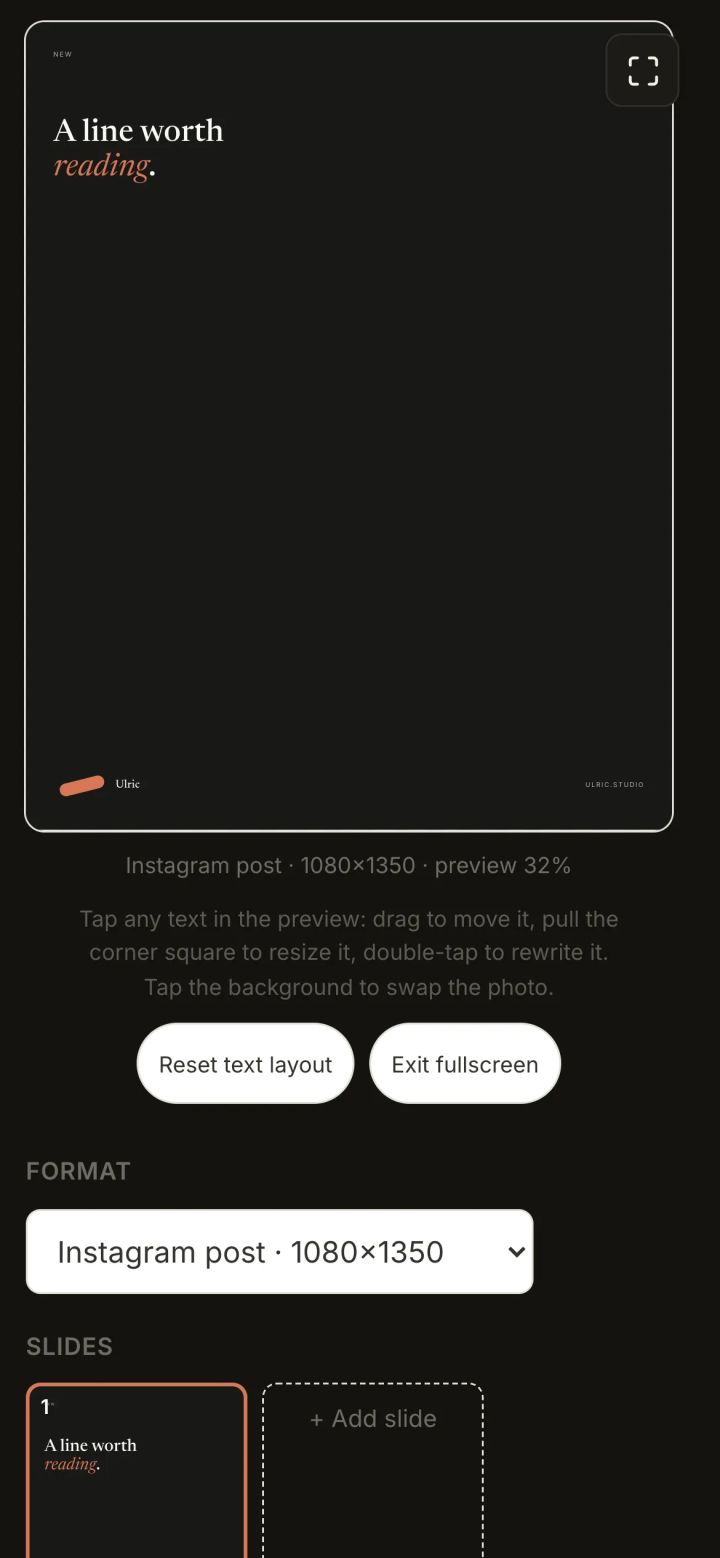
The Reel Creator
Turn a clip into a finished vertical reel: place and scale text right on the footage, draft the lines with AI, and the server composites a 1080x1920 MP4, exportable up to 4K.
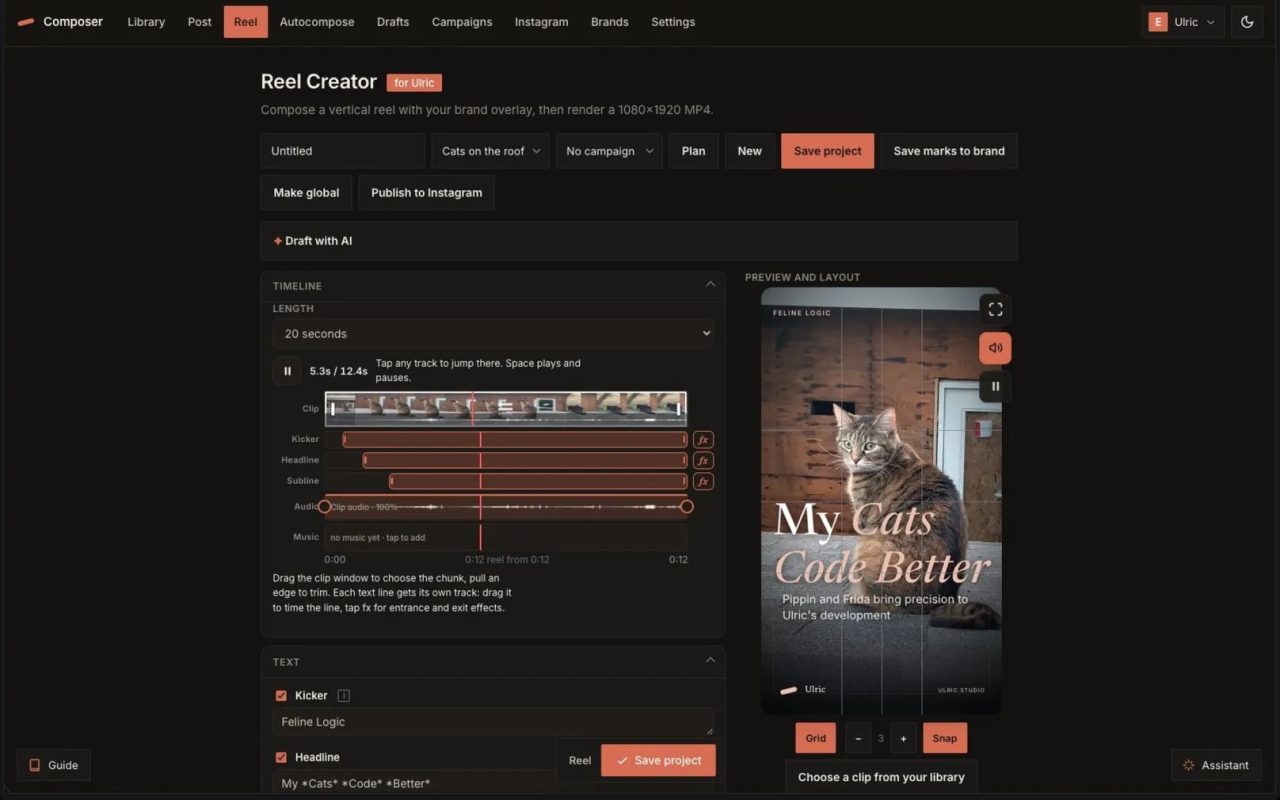


The Reel Creator is the Post Creator for video. It turns one clip into a finished vertical reel, with the words placed right on the footage and the whole thing composited server-side into a ready-to-post MP4.
Type on the footage
Pick a clip from the shared Asset Library or drop a phone video in, and it is converted to a web-safe format automatically. Then place the overlay the way you place text on a poster: drag each line, scale it, recolor it, set the scrim over the video, and snap it to the same alignment grid. What you lay out in the browser is painted to a transparent frame and burned into the render, so the preview is the result.
Retime and reframe
Set the clip's speed from half to eight times, zoom into the footage and drag to reframe it, and choose the length. The overlay lines are written by the same AI panel, short and punchy, grounded in the site's real content.
Server render, any size
A static ffmpeg build composites the clip and the overlay into a 1080×1920 MP4 in about half a minute, and exports at Compressed, 720p, 1080p, 2K, or 4K. One button renders and publishes straight to Instagram.
Watch the video

Common questions
How long does it take to render a reel?
Server-side ffmpeg composites the clip and overlay into a 1080x1920 MP4 in about half a minute. Export options include Compressed, 720p, 1080p, 2K, or 4K. One button renders and publishes straight to Instagram.
Can I edit the text after placing it on the video?
Yes, you can drag each line of text, scale it, recolor it, and set a scrim over the video. All adjustments snap to an alignment grid, and the preview shows exactly what will be burned into the final render.
Where do I get the video clips to use?
You can pick a clip from the shared Asset Library or drop a phone video in directly. The system automatically converts it to a web-safe format before you begin overlay placement.