The Post Creator
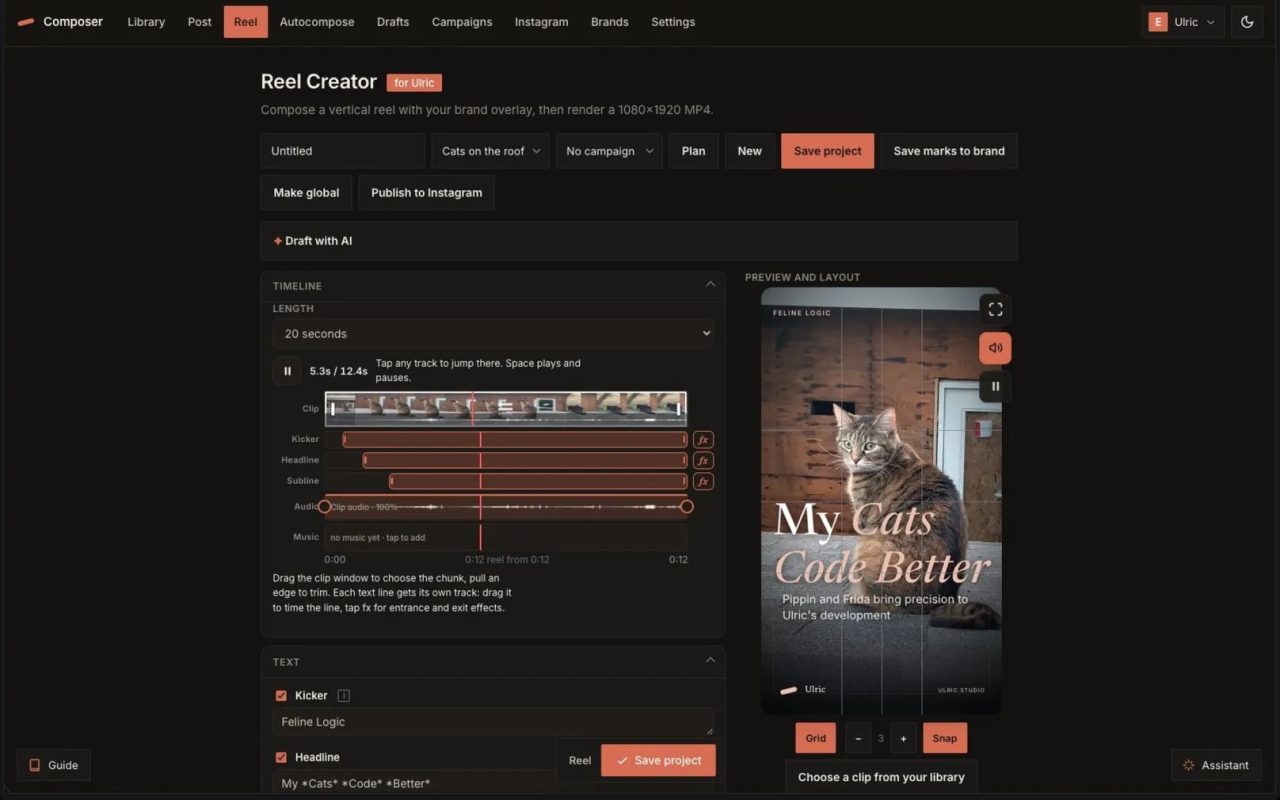
A brand-aware social composer built into the CMS: design a post or a whole carousel by touching the preview, draft the words with AI grounded in your own site, and export a pixel-exact image.
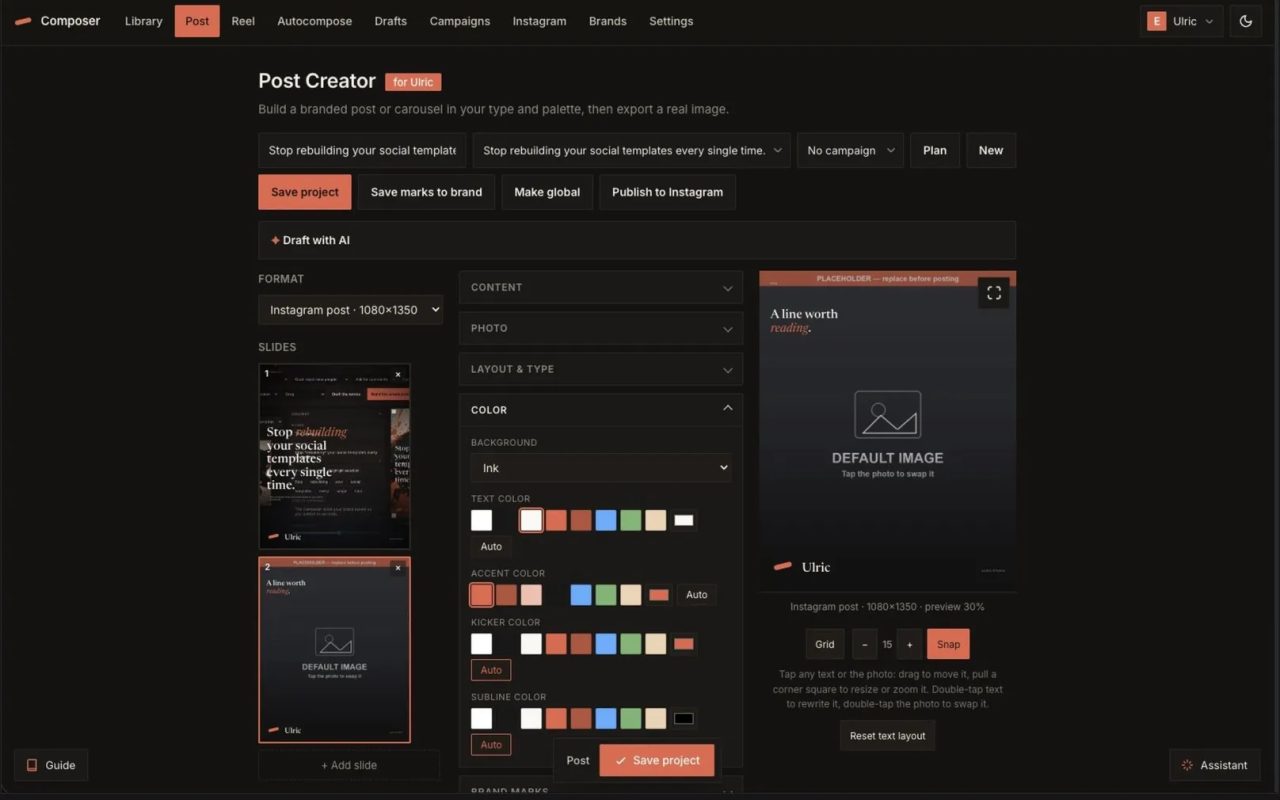


The Post Creator is a social composer I built into my own CMS, so a small business can make on-brand posts without leaving the dashboard or opening a design tool. It renders in the site's exact type and palette, and it exports a real PNG at the precise size each platform wants.
Design by touching it
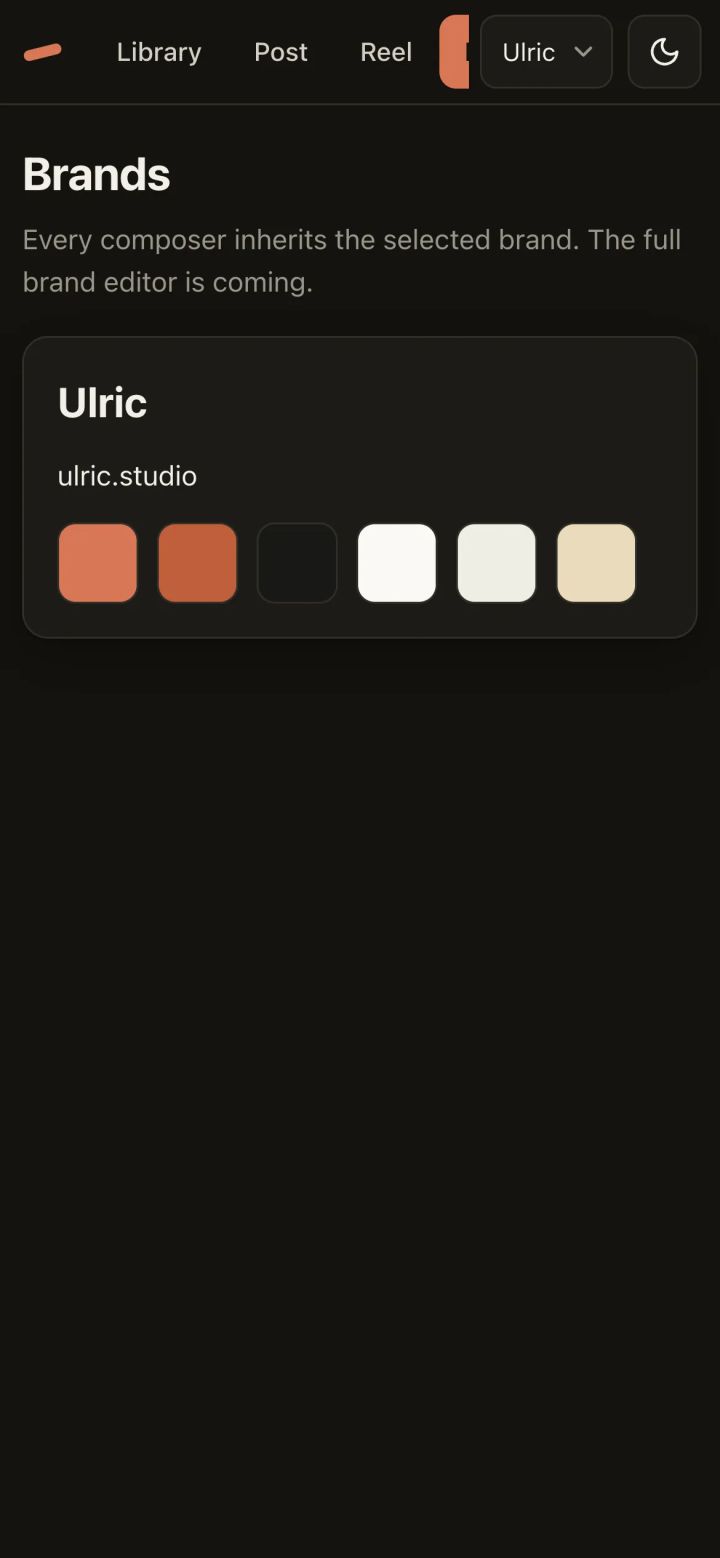
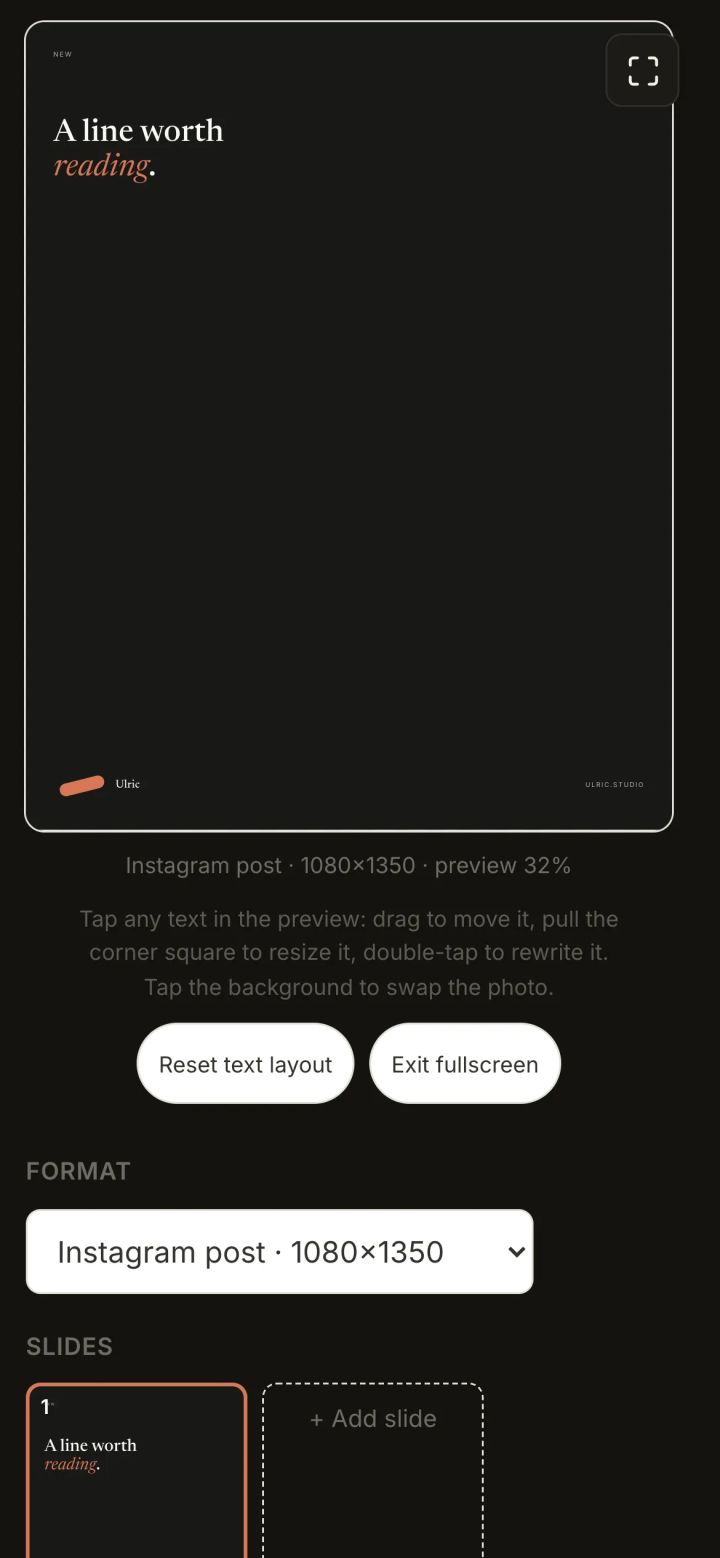
Every text block on the preview is live. Click a headline to drag it, pull the corner to resize it, double-click to rewrite it in place. An alignment grid with adjustable density snaps any edge of a block to the margins, the thirds, and the center, so type lands where you mean it. Colors are yours: text, background, and accent pickers, brand preset swatches, gradients, and an image-overlay tint. Add a photo from the shared Asset Library, stack up slides for a carousel, and the thumbnails and export always match what you see.
Words that already know the business
A "Draft with AI" panel writes the kicker, headline, caption, and hashtags in the brand voice, grounded in the site's own content through the same retrieval layer that powers the site assistant. It runs on a free model out of the box, or on a key the owner drops in for any frontier model, chosen from eleven providers and configured automatically from the URL.
Plan the whole launch
Group posts and reels into a campaign and keep a content-plan checklist beside the canvas, ticking each piece off as you make it. Assign a post to a campaign and the assistant answers with that campaign's goal in mind.
Real export
Download a single slide as a pixel-exact PNG, or a whole carousel as a zip, fonts and photos baked in. Publish straight to a connected Instagram account, or hand it off. No screenshots, no rounding.
Watch the video

Common questions
Do I need design skills to use this?
No. The interface is built for direct manipulation: drag text blocks, resize with corners, and snap to grids. Brand colors and fonts are preset from your site, so posts stay on-brand without design expertise.
How does the AI know my brand voice?
It uses the same retrieval layer as your site assistant, pulling from your existing content to generate headlines, captions, and hashtags. You can use a free model or connect your own API key from 11 supported providers.
Can I export for different social platforms?
Yes. The tool exports real PNG files at the exact pixel dimensions required by each platform—post, story, Facebook, LinkedIn—and maintains consistency between what you see in the preview and the final export.