A contractor's website and dashboard, open to try
E & S Construction is a fictional general contractor running on my CMS and CRM. The public site and the full dashboard are open to anyone, no login, and nothing you do there saves.
-
21
dashboard screens in the sidebar
Source: clients.ulric.studio (opens in a new tab) · as of Nov 2026
-
0
logins needed
Source: clients.ulric.studio (opens in a new tab) · as of Nov 2026
-
14
sample leads in the pipeline
Source: clients.ulric.studio (opens in a new tab) · as of Nov 2026
-
8
job stages, inquiry to paid
Source: clients.ulric.studio (opens in a new tab) · as of Nov 2026
What it is
E & S Construction does not exist. I made it up, a general contractor with four projects, a crew page and a licensing page, so a contractor can see the whole system working without me pointing at someone else's business. The site and the dashboard behind it run on my own CMS and CRM.
Open the dashboard
The footer has a button that opens the dashboard with no login. A banner says it plainly: read-only demo, nothing saves. Every Save button still works on your screen. The change stays in your browser for the session, the server refuses it, and Reset my changes puts it back.
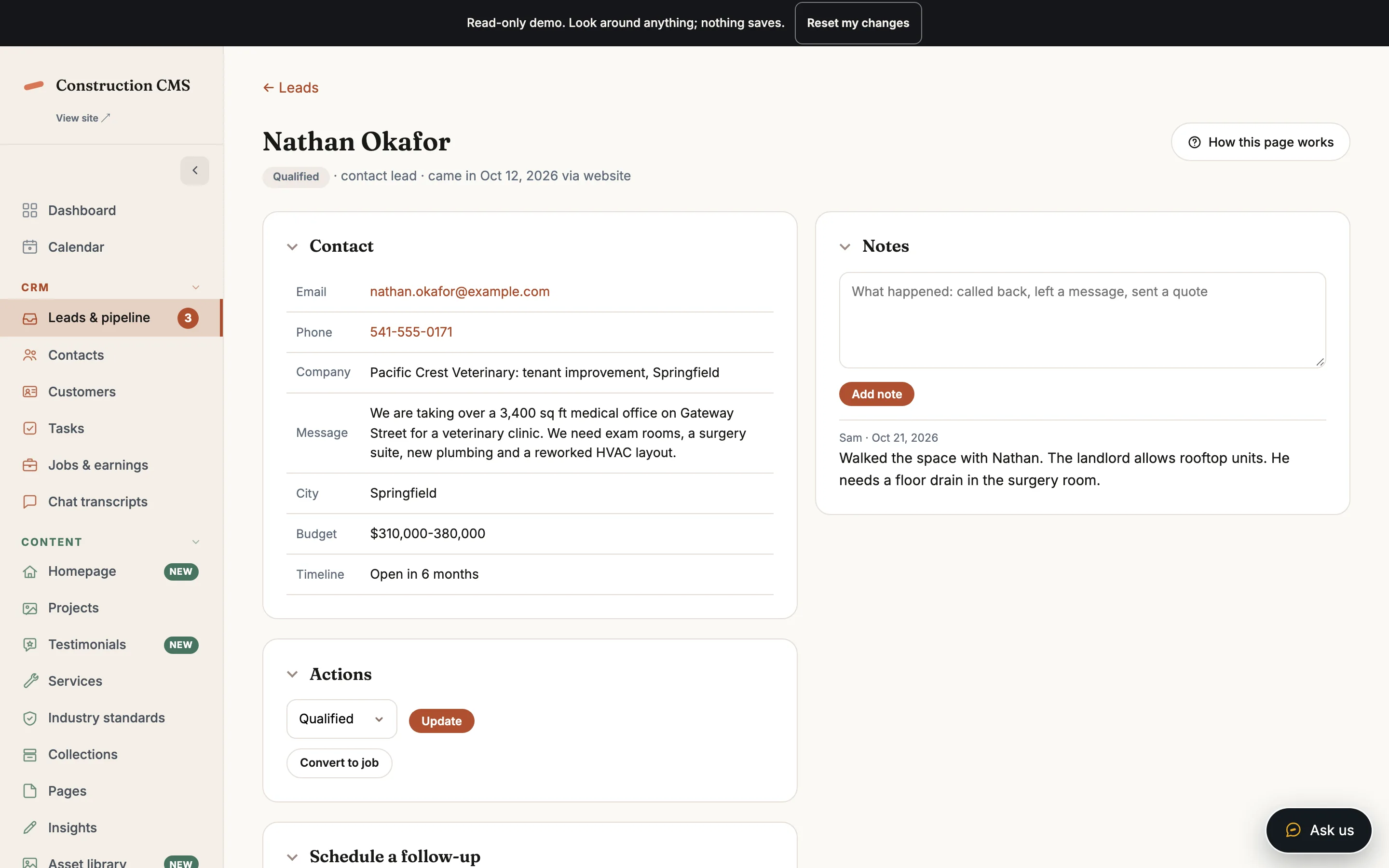
- Fourteen sample leads, each with contact details, actions, a follow-up to schedule and notes.
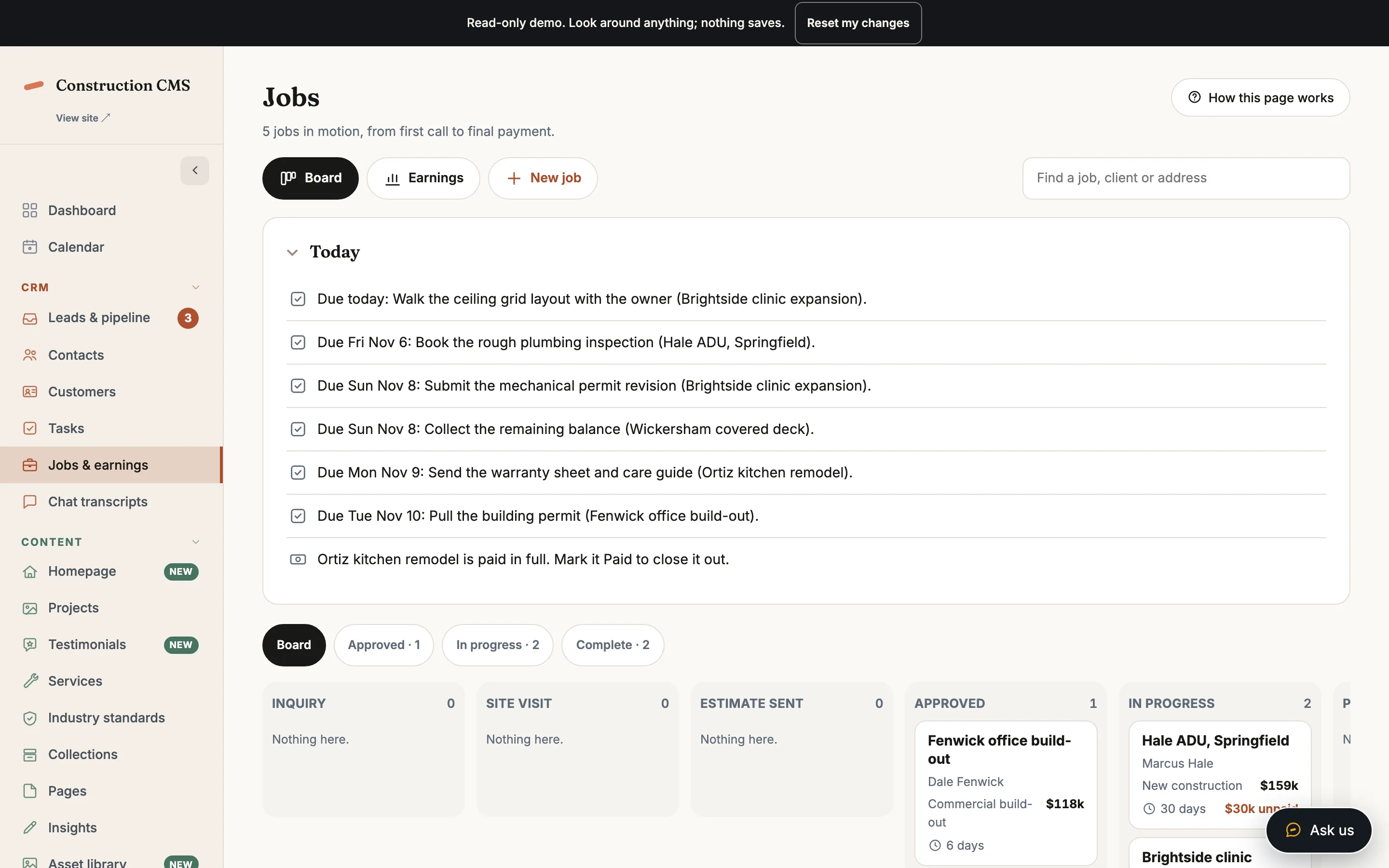
- A jobs board with eight stages from inquiry to paid, and five sample jobs on it.
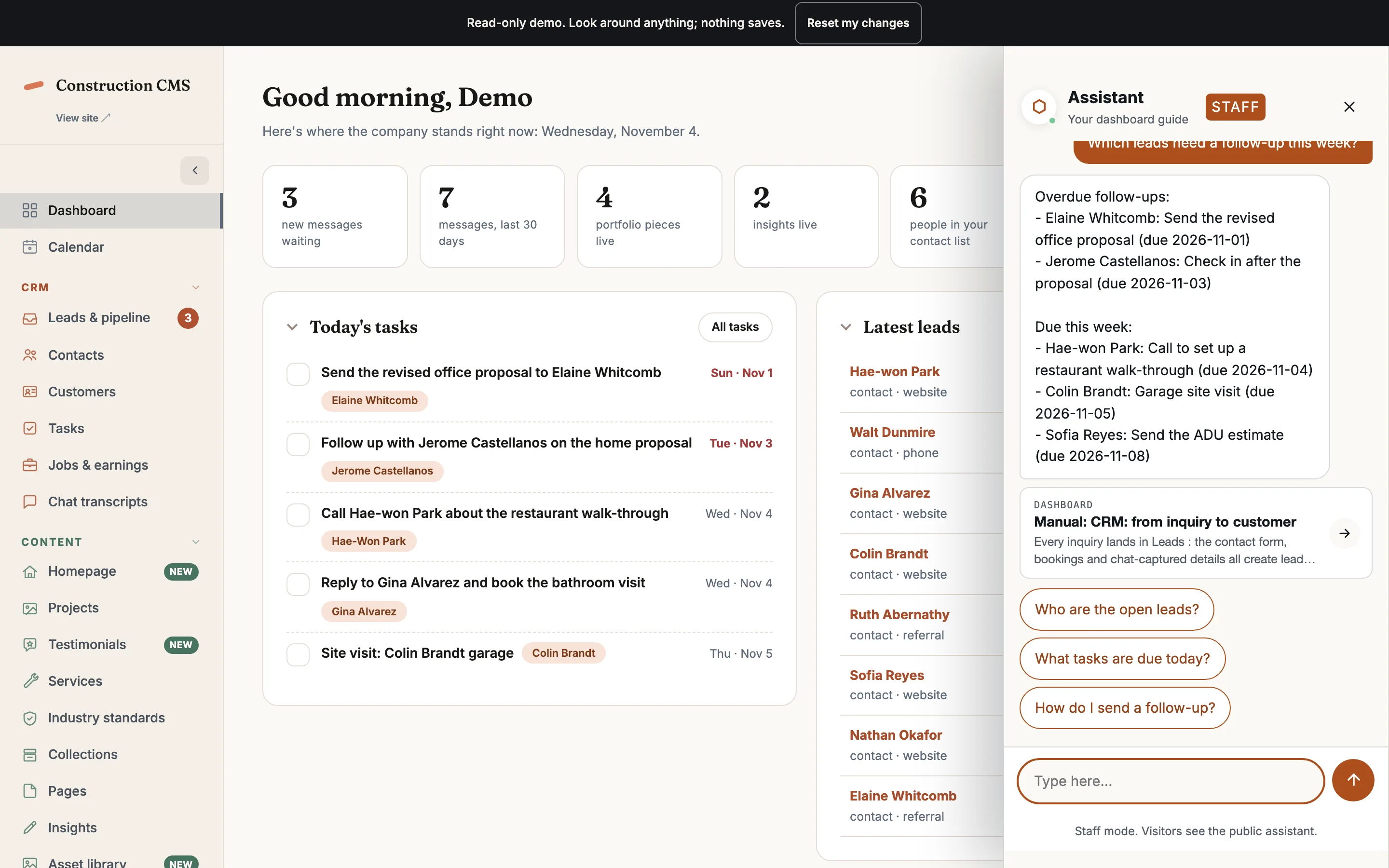
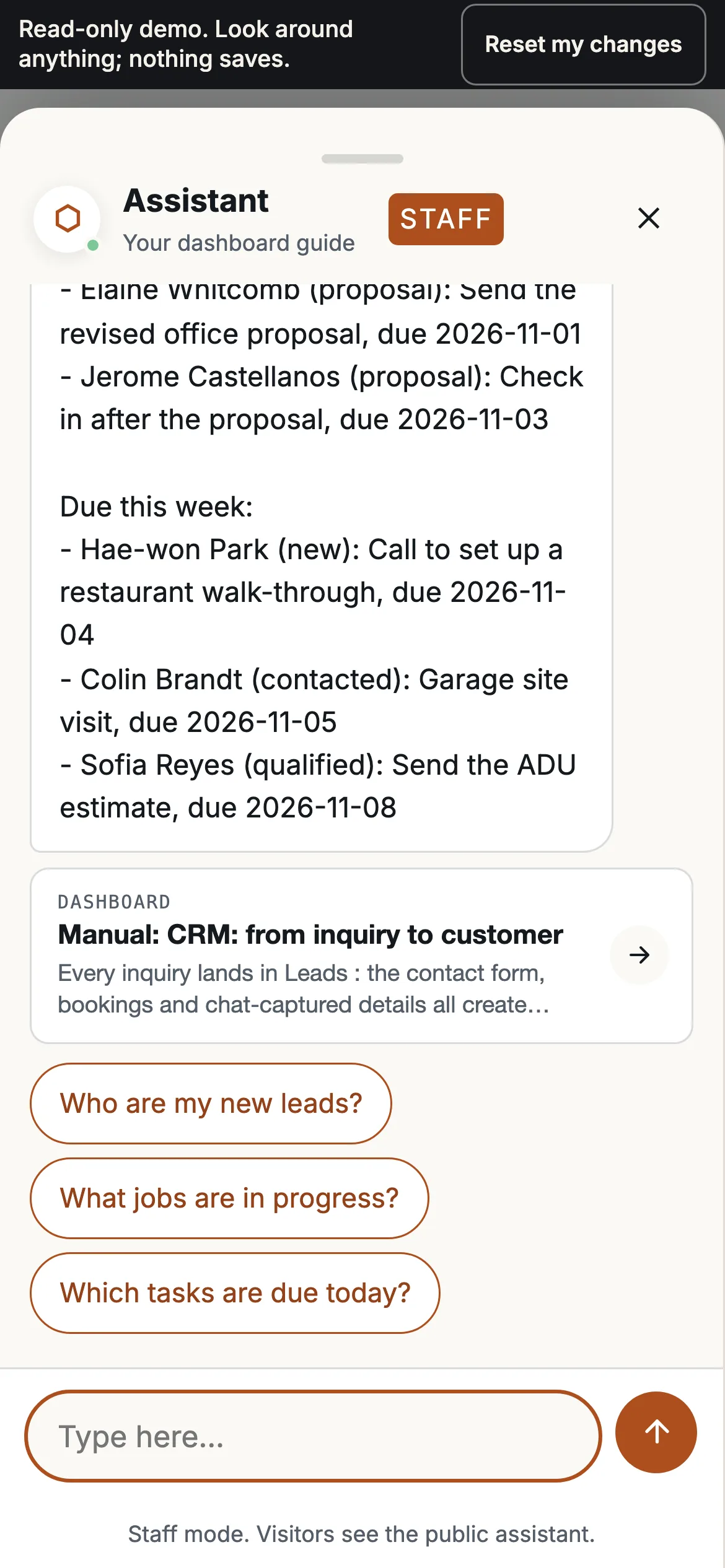
- A staff chat that answers from the sample data. Ask which leads need a follow-up this week and it reads the pipeline. Tell it to add a lead and it plays the whole thing out, then labels the result as simulated.
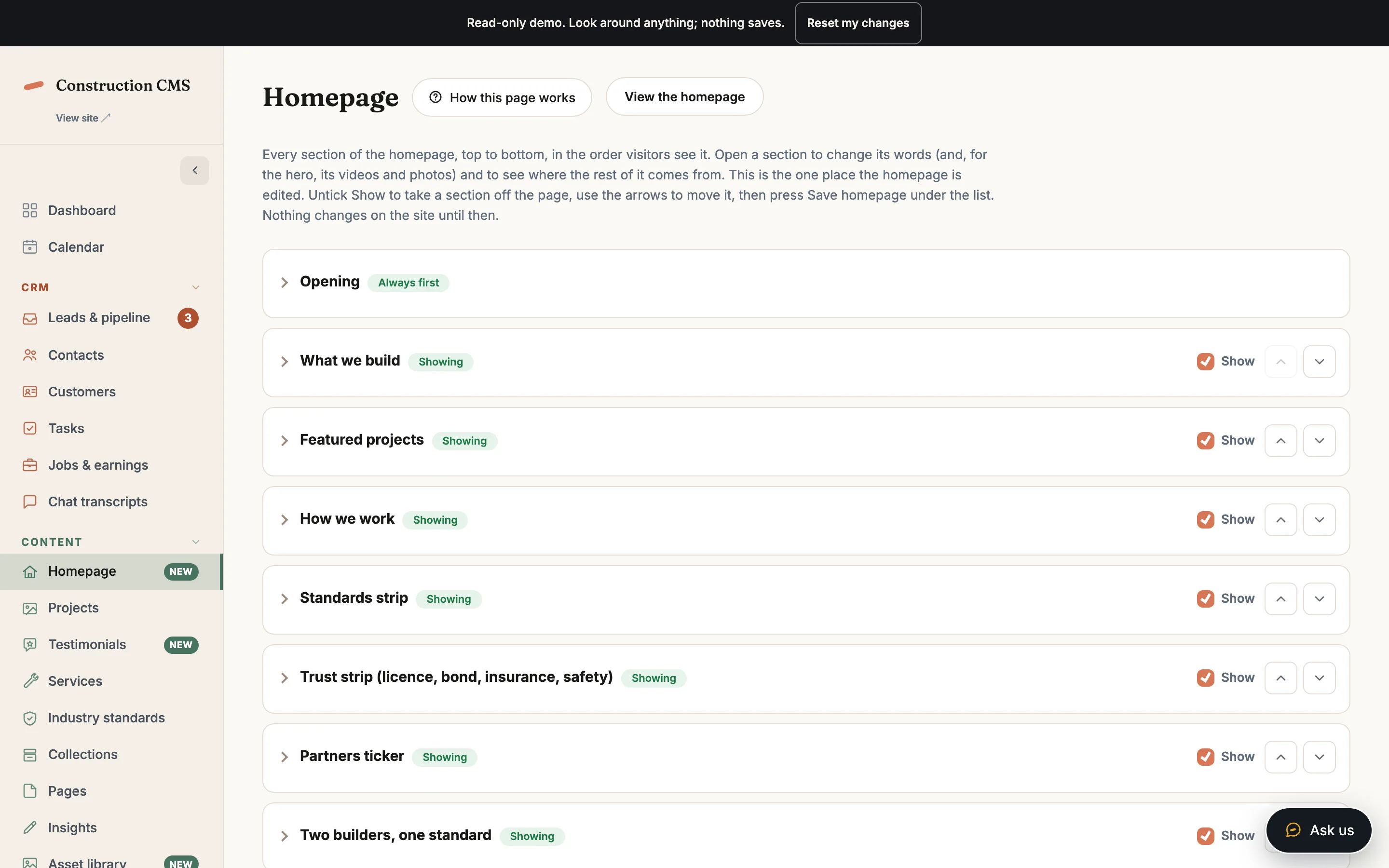
- The homepage editor, where the sections of the public page are rewritten and switched on or off.
What is switched off
The contact form and the public chat store nothing. Mail is off. Keys and passwords are masked, and the settings, users and integrations screens are closed. The leads, jobs and reviews are sample data.
For the developer
One flag turns the demo on. The write guard sits below the modules, at the connection, so no screen can save around it, and a refused save comes back as one plain sentence instead of an error page. The public forms answer the way they always do, then say nothing was stored.
-
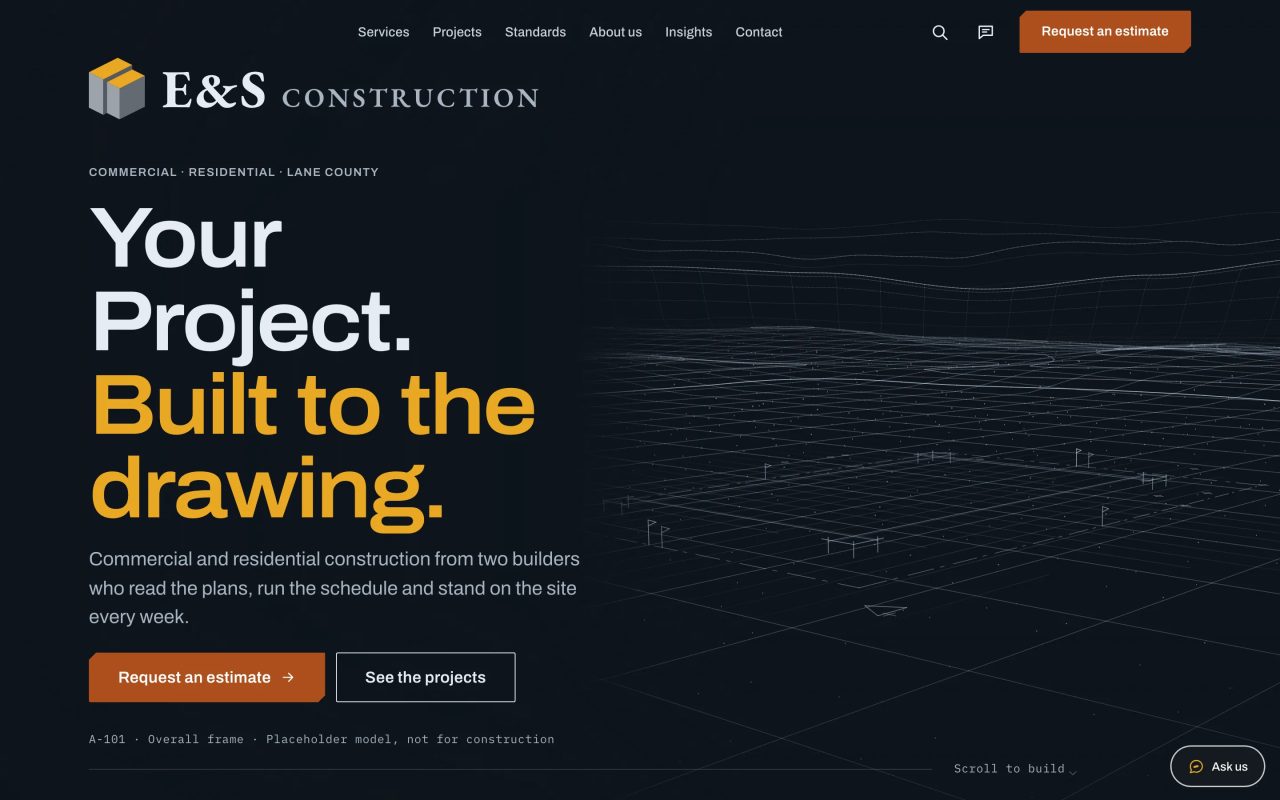
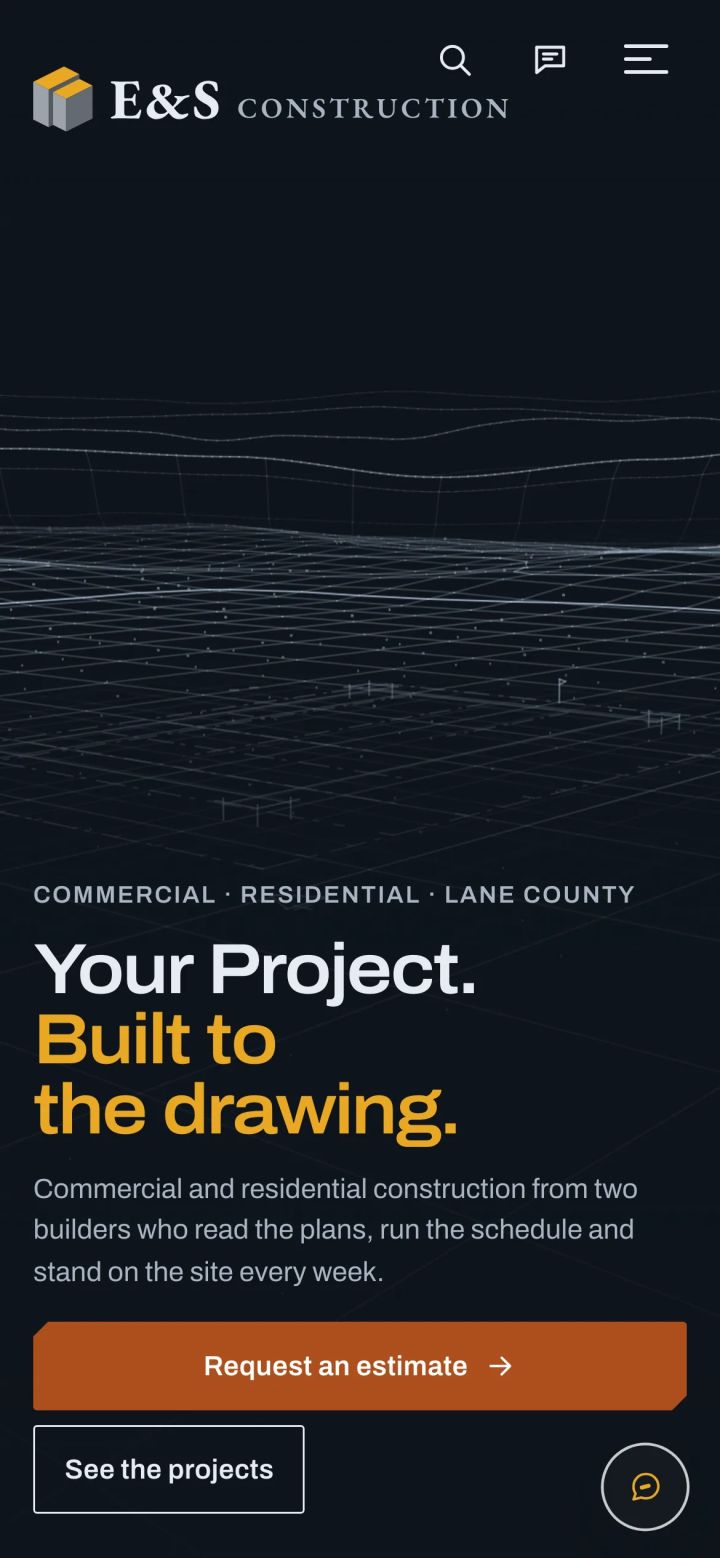
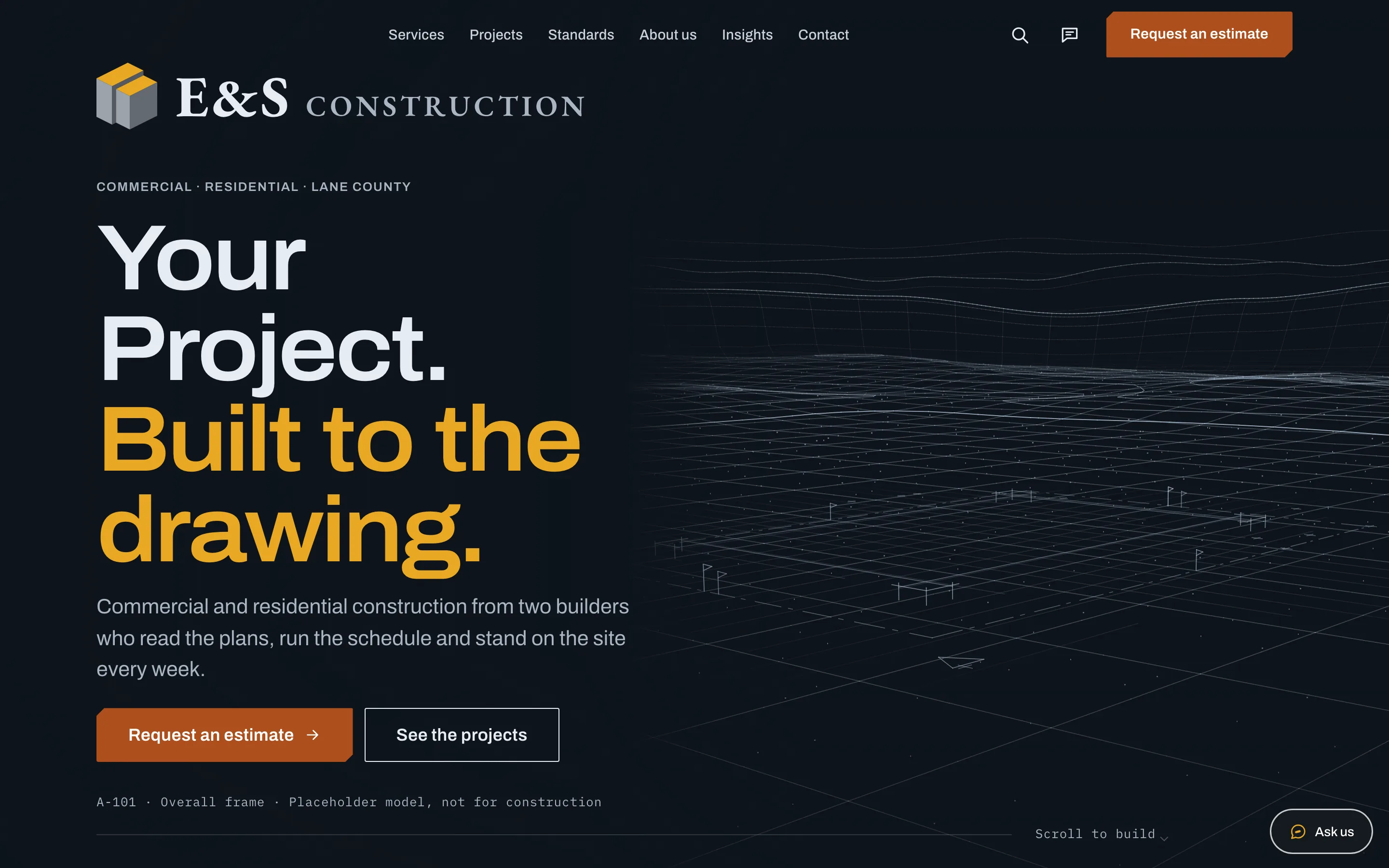
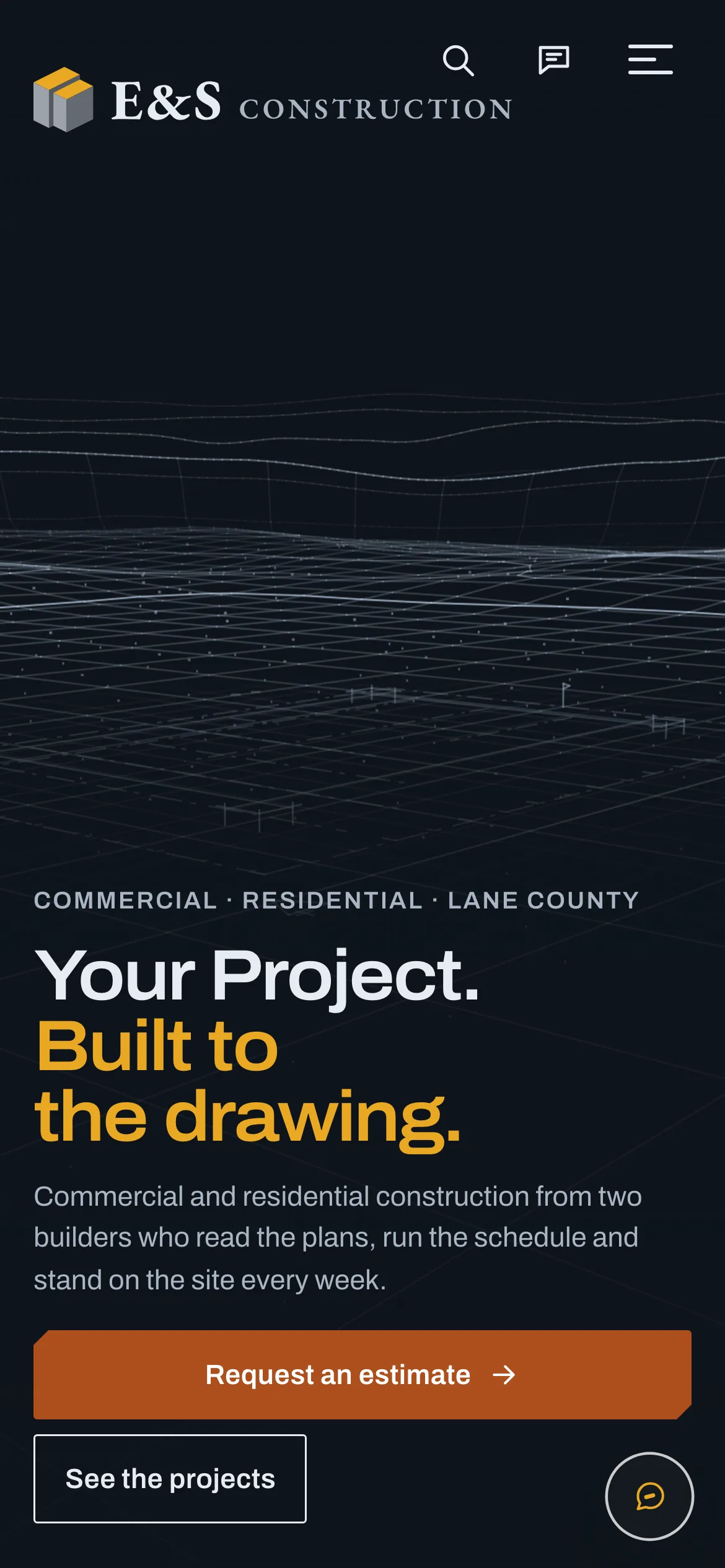
01 · Site
Built to the drawing
A fictional general contractor's homepage: services, four projects, standards, crew, a contact form that stores nothing. The footer says it is fictional and opens the dashboard.
-
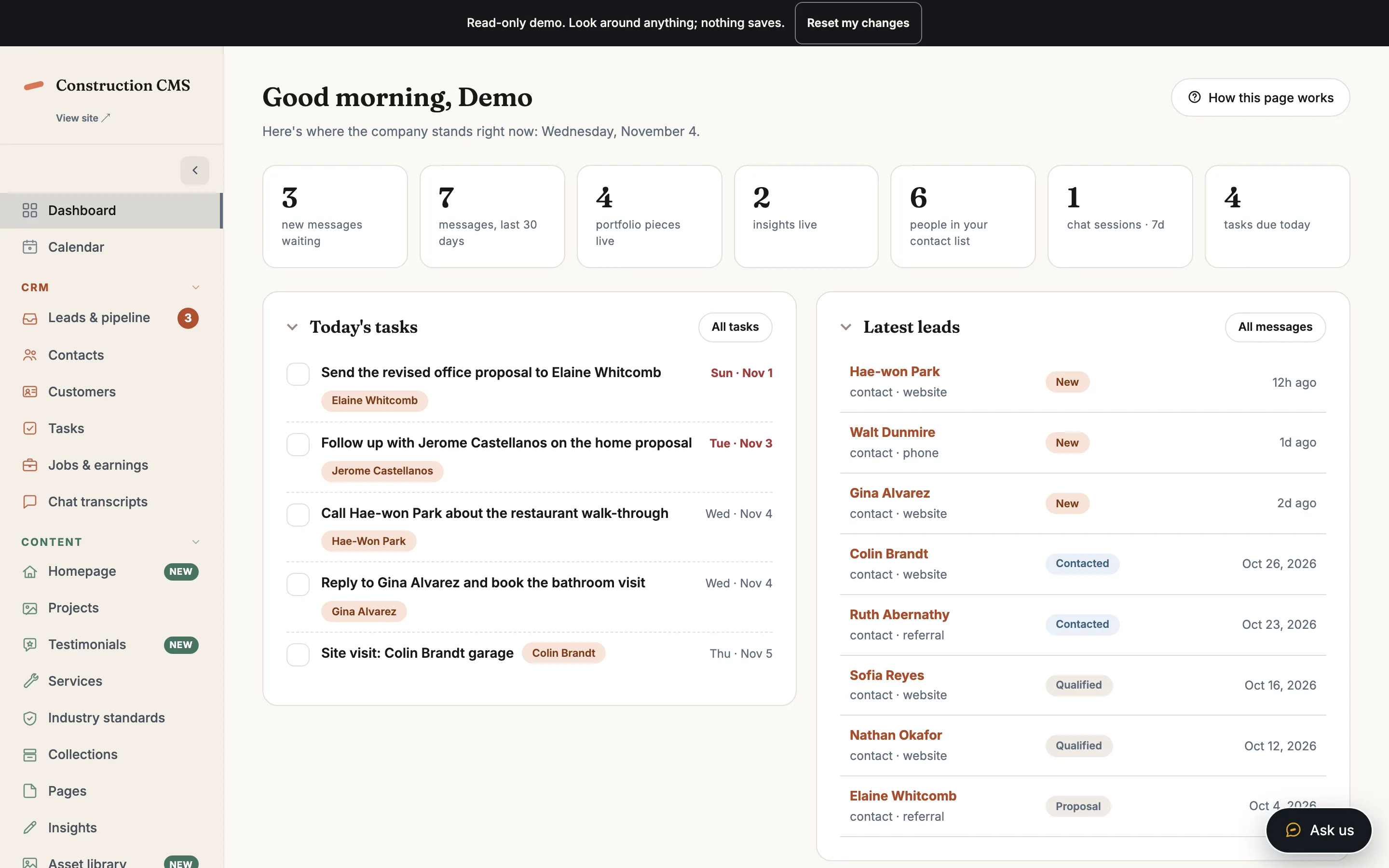
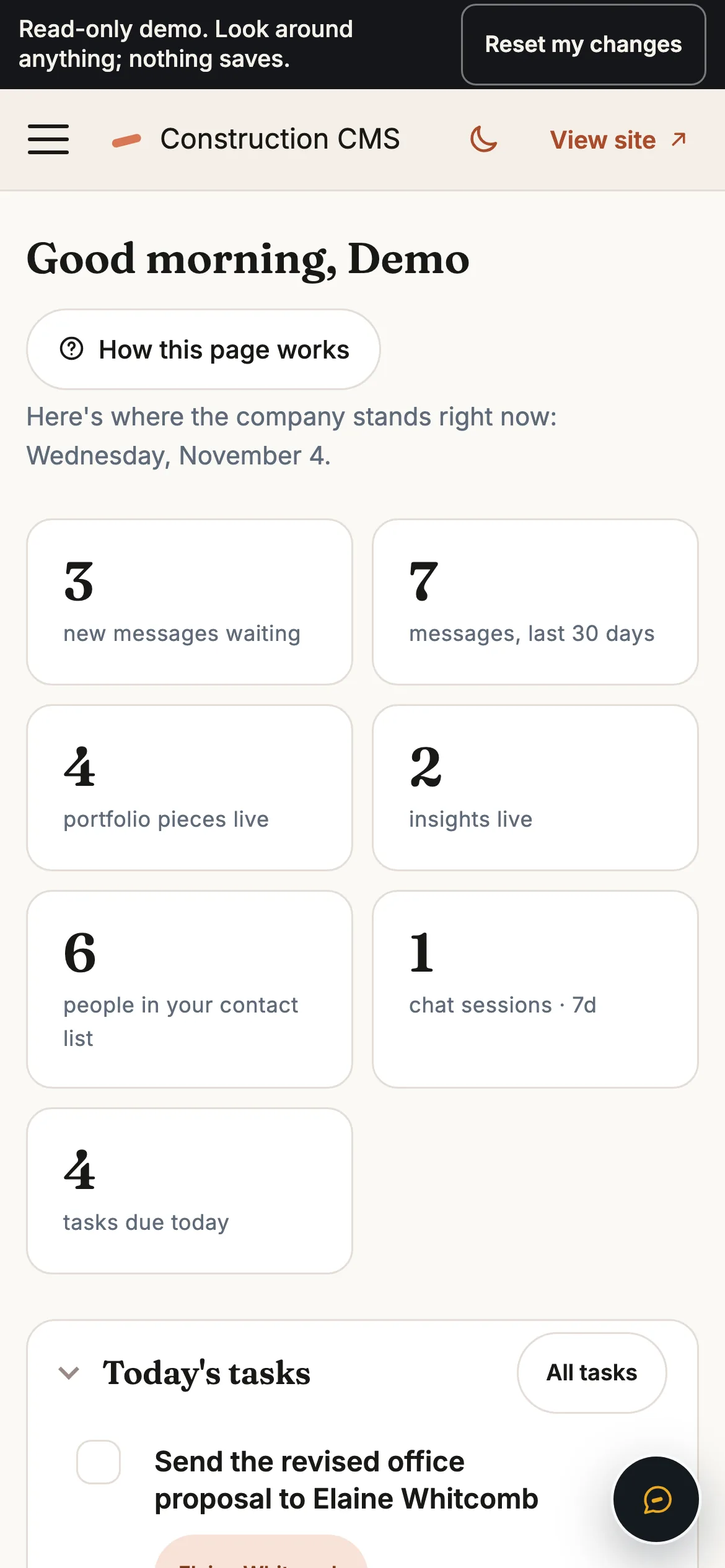
02 · Dashboard
Good morning, Demo
The same dashboard a client gets, with no login. Today's tasks, latest leads, follow-ups due, and a banner that says nothing saves.
-
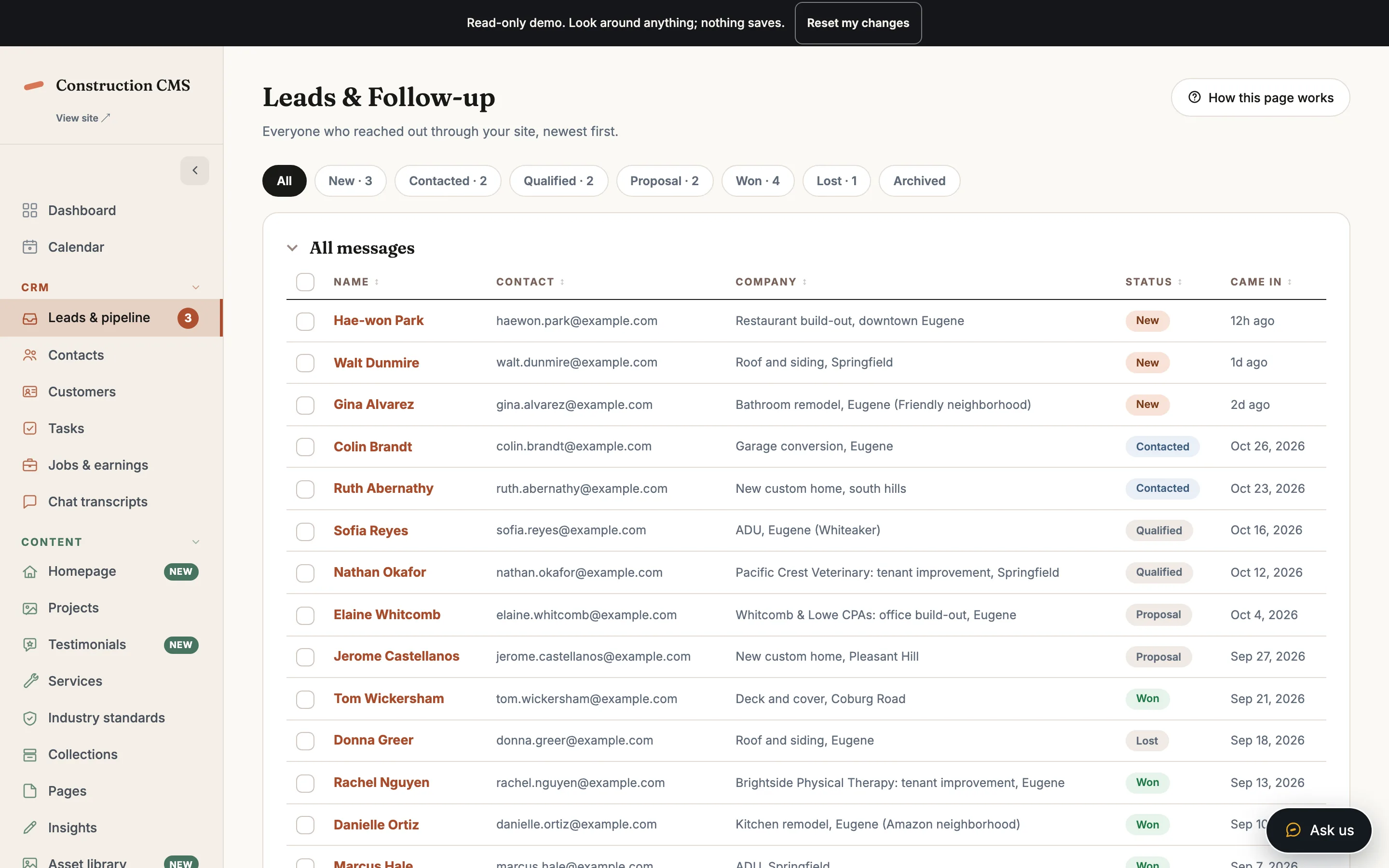
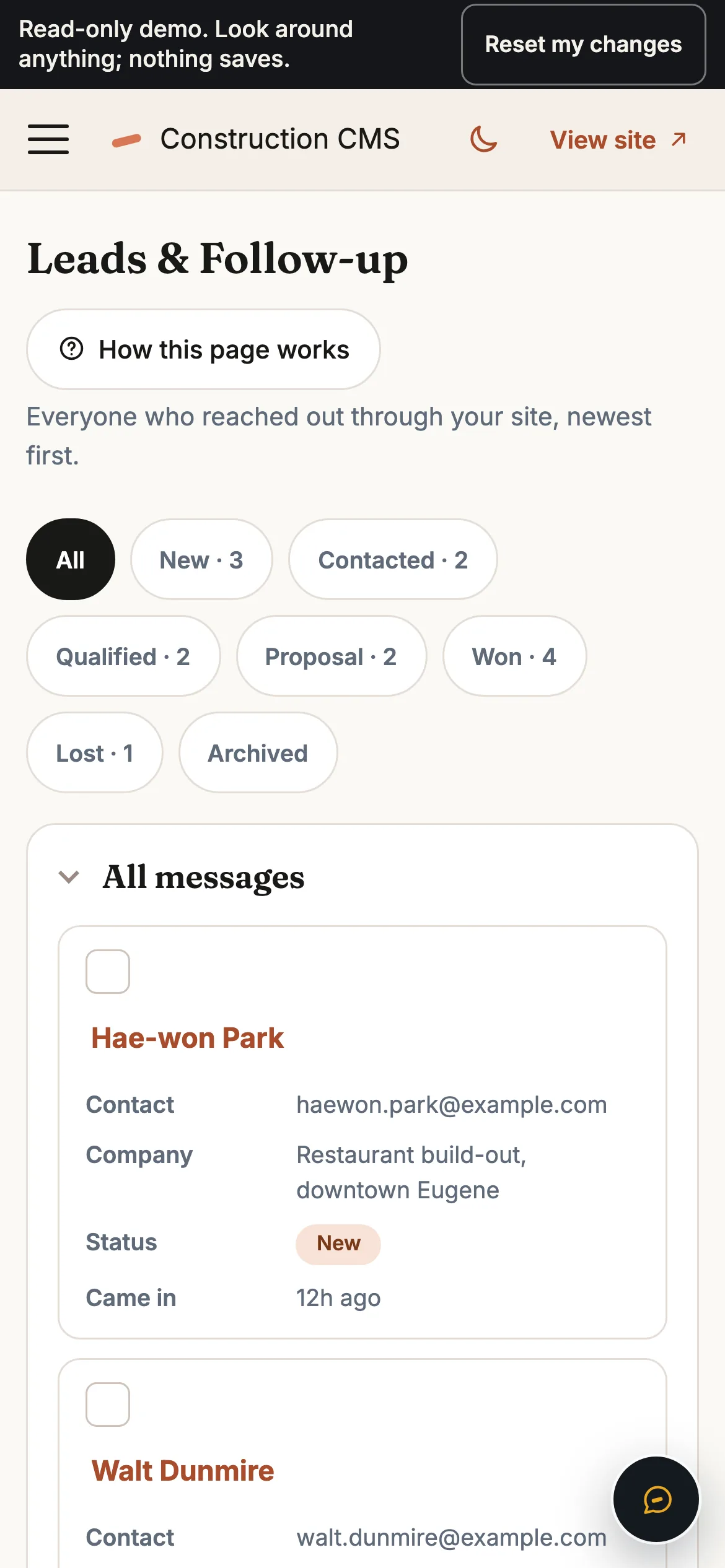
03 · Leads
The pipeline
Fourteen sample leads, filtered by stage from new to won. Open one to see the full record.
-
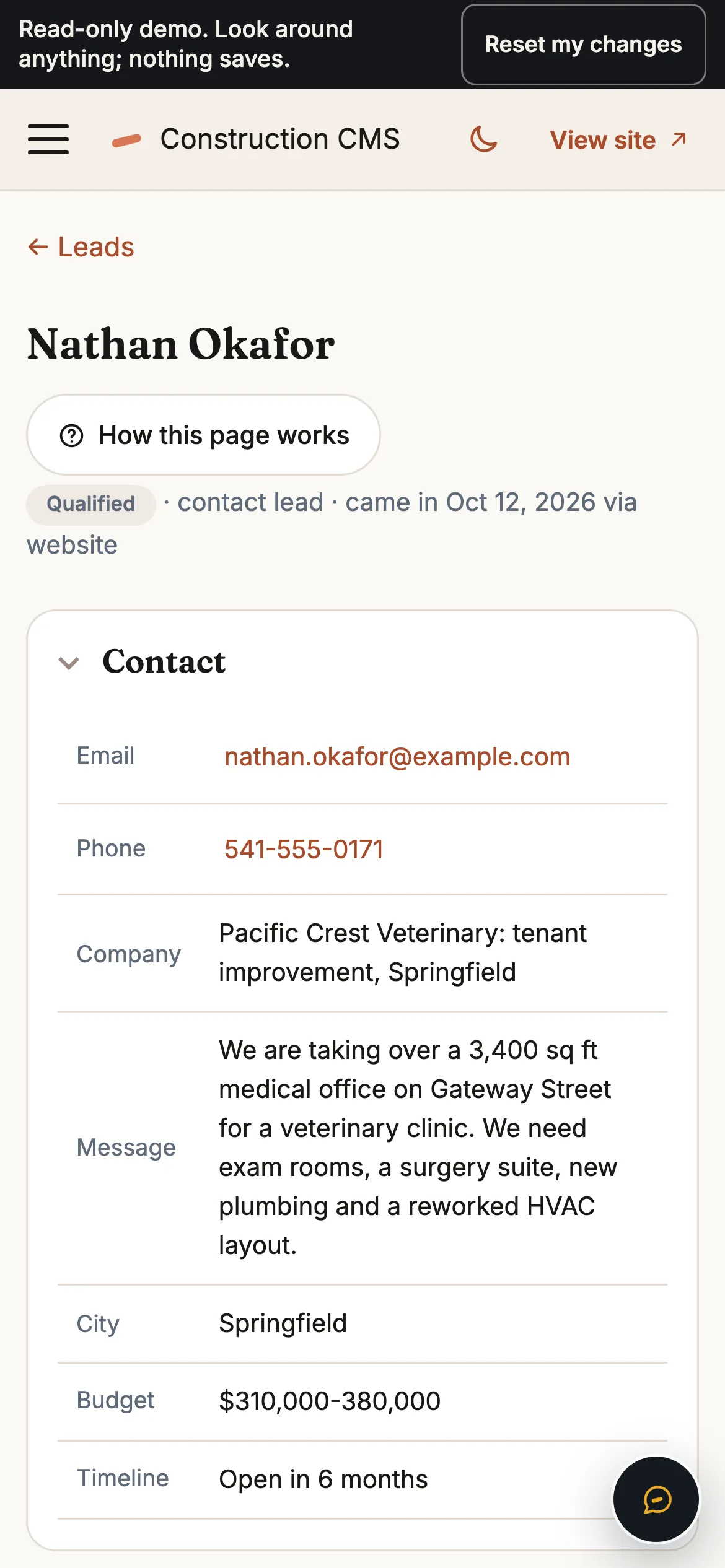
04 · Lead
One record
Contact details, actions, a follow-up to schedule, notes. The page a project manager opens when the client calls, and a reset if you went too far.
-
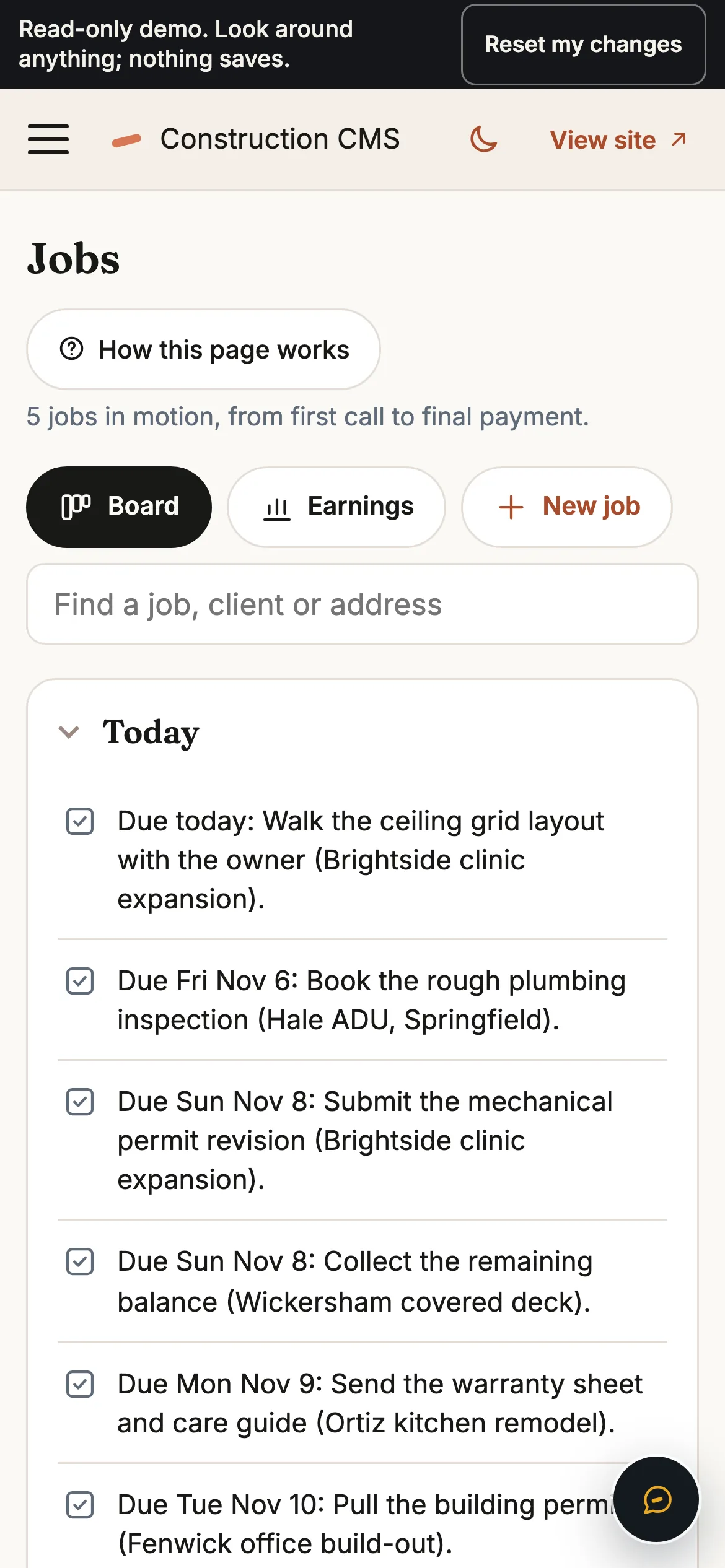
05 · Jobs
Eight stages
Inquiry to paid, with earnings per job. Five sample jobs show which work is open and what has been paid.
-
06 · Chat
The staff chat
Ask which leads need a follow-up this week and it answers from the sample data. Ask it to add a lead and it plays the result out, labelled simulated.
-
07 · Editor
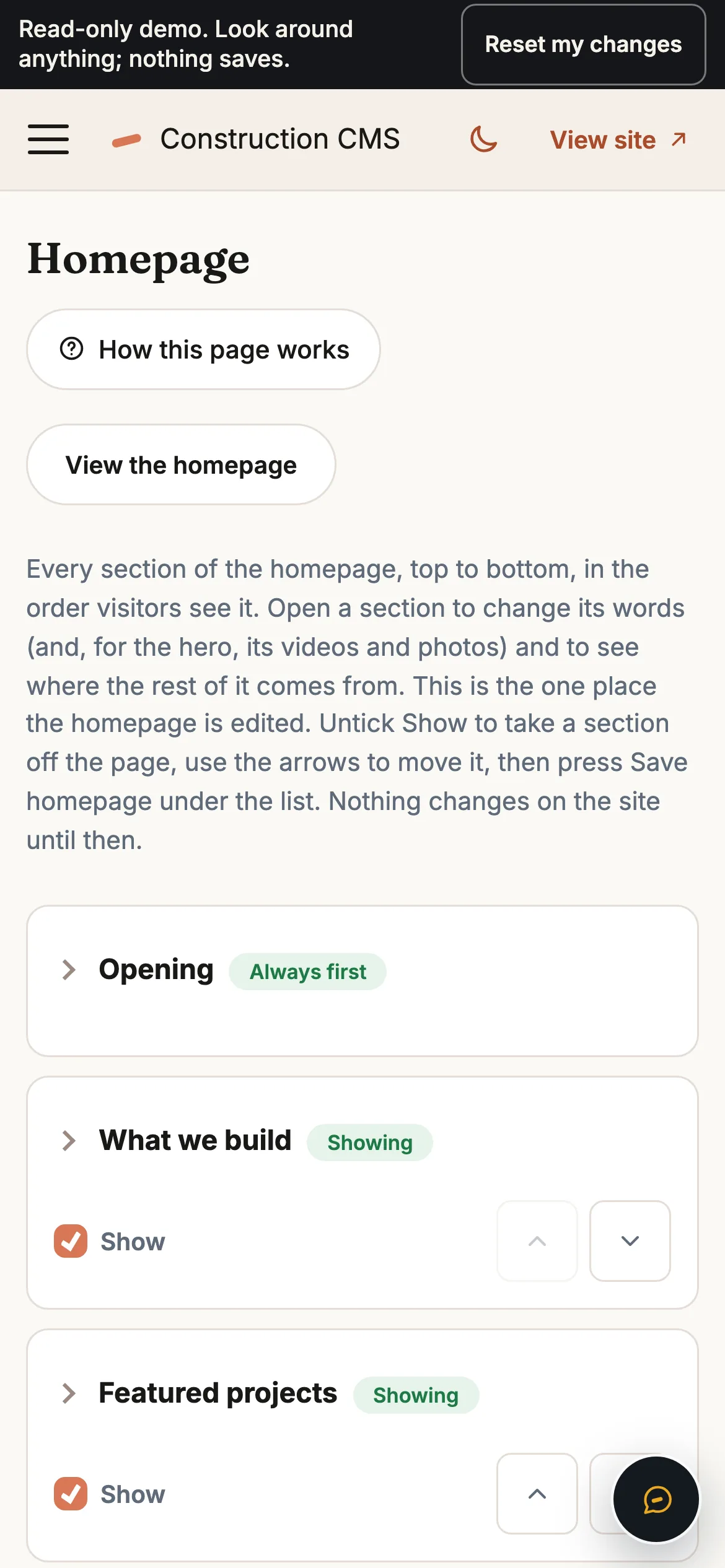
The homepage, in sections
Rewrite the public homepage from a list of sections, or take a section off the page. Save, and the change stays in your browser until you reset it.
Common questions
Is this a real company?
No. E & S Construction, its people, projects, reviews and leads are fictional, written to show the system. The CCB number, phone and email are placeholders in the same spirit. The footer of every page says so.
Can I change anything?
Yes, on your screen. Edit a page, change a lead, save the homepage: the form shows your change and keeps it for the session, and the server refuses to store it. Reset my changes in the banner puts everything back.
Could my company run on this?
That is the point of the demo. The same dashboard, pipeline, jobs board and chat run on the sites I build for paying clients, with your logo and your data. Try the dashboard first, then write to me.