Insights
A contractor CRM you can try without asking anyone

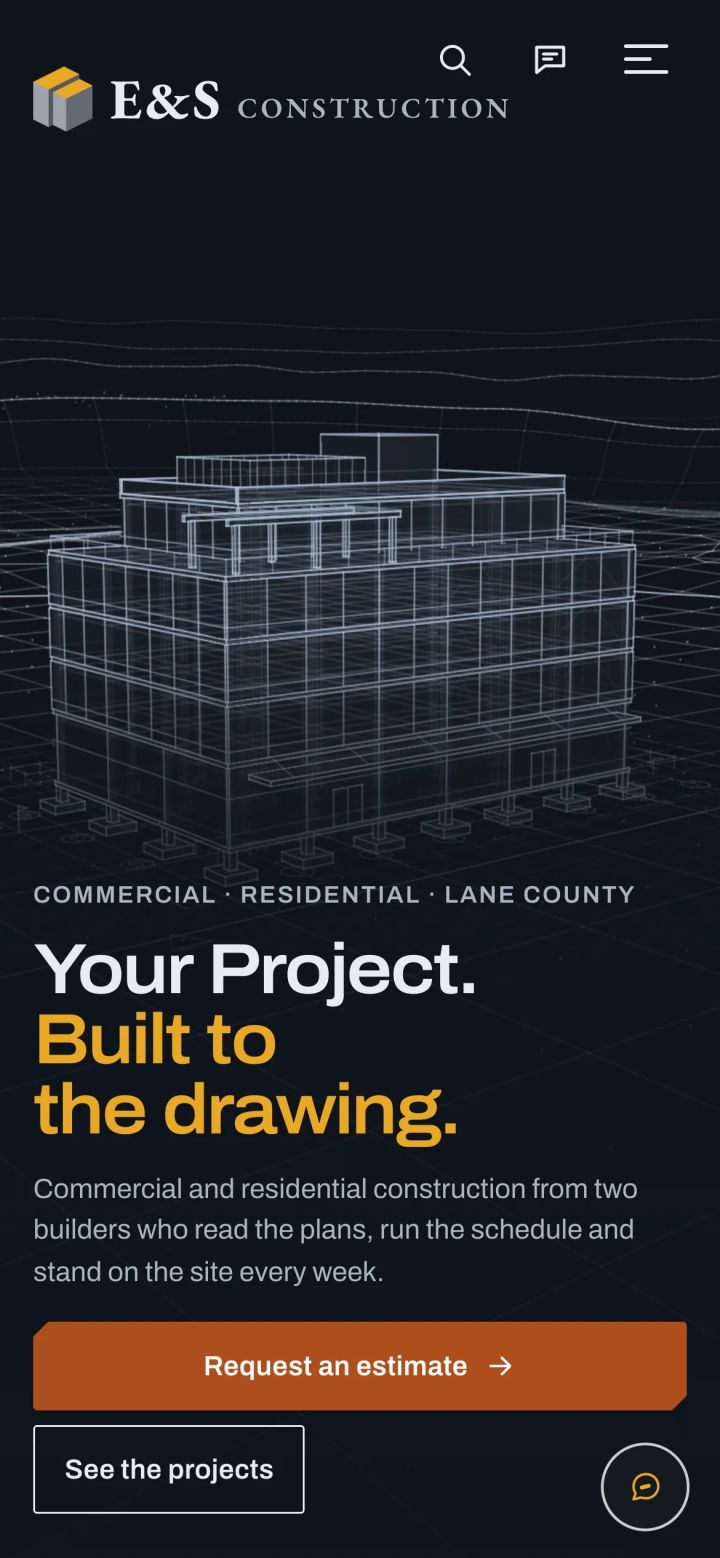
Since November 4 there has been a contractor CRM on the open web that anyone can walk into. No sign-up form, no sales call, no password. It belongs to E & S Construction, a general contractor that does not exist, with four projects, a crew of four and fourteen leads waiting for a call back. You can open any job on the board, rewrite the homepage, ask the staff chat which leads need a follow-up this week. Then you close the tab, and the next visitor finds everything exactly as you found it.
Why a demo with no door
Contractors are busy people, and the ones I talk to do not want a guided tour. They want to poke at the thing at nine at night after the kids are asleep, and decide for themselves. They are not unusual. Gartner surveyed 646 B2B buyers in August and September 2025: 67% said they would rather buy without a sales rep, as Digital Commerce 360 reported on March 17, 2026. In the same piece Gartner's Alyssa Cruz put it plainly: "Sellers can't rely on static collateral to carry influence in those moments."
Screenshots are static collateral. A contractor looking at a screenshot of a job board learns that I can take a screenshot. So the construction demo opens the real dashboard instead: 21 screens, sample data in every one of them, and zero logins.
What is in it
The heart of a contractor CRM is the job, not the contact. A lead is a person who called. A job is the work, and it moves.

Each stage has its own idea of how long is too long. An inquiry that sits for two days has gone cold, and the strip at the top of the board, called Today, says so in a sentence with a link to the job. An estimate gets ten days before Today asks about it. A build in progress gets thirty, because builds take weeks and nobody needs a nag about framing. The same strip lists invoices unpaid past thirty days, site visits this week or missed, and tasks coming due. Every line is built from the record, never typed by hand, so it cannot drift from what the board shows.
Around the board sit the parts a small company actually uses: leads from the website with the junk screened out the way it is done in a CRM for a small clinic, the crew and who is on which job, invoices and payments, and a homepage editor for the public site. The staff chat answers from the sample data. Ask it which leads need a follow-up this week and it names them from the sample records. Ask it to add a task and it tells you the add was simulated, because in this building nothing gets added.
Every save feels real, none of them happen
A demo that refuses every click is a museum. A demo that lets strangers write to its database is a bulletin board, and the first visitor with a sense of humor redecorates it for everyone after. I wanted the middle: a visitor's edits should feel saved to that visitor and to nobody else.

The first layer lives in the browser. When a visitor saves a form, a small script keeps the values in that tab's sessionStorage, cancels the request and shows "Saved in this browser only. Nobody else sees it." Coming back to the page fills the values in again, as plain text. A button in the banner, Reset my changes, clears them, and so does closing the tab. Passwords and files are never kept. Some actions cannot be faked honestly, like an upload, a delete, an email or a bulk change, and those say "This one is switched off in the demo" instead of pretending.
That layer is a courtesy. Anyone can turn JavaScript off, or send a request without a browser at all, so the server never trusts it. The second layer is a gate in the router. Before any screen's code runs, a write from the demo user is refused with one sentence: "This is a read-only demo, so nothing saves."
The third layer is the one I care most about, because it does not depend on me remembering anything. Every query in the engine passes through one class, the place where SQL meets the table prefix, and that class now carries the demo's last word:
if (self::$readOnly && !SqlPrefix::isReadOnly($sql)) {
    throw new DemoWriteBlocked('Demo refused a write: ' . substr(trim($sql), 0, 80));
}
If a screen I add next year forgets the gate, or a route I never thought about finds a way to write, it still cannot. The connection itself refuses anything that is not a read. The gate turns writes away early, with a polite answer; this check is the floor under it.
What I hid, and why
An open dashboard is also an open map of the engine. So on the same day it went live I took a pass at what a stranger should never see, even on fake data. Integrations, settings, users and roles, the account screen, the knowledge base behind the chat, the model chain and the manual are all hidden from the demo role. The contact form and the public chat on the demo site store nothing and send nothing, and they say so: "This is a demo, so nothing was sent and nothing was stored." Mail is switched off at the source. Any key the engine needs is masked.
The demo user is the only account the demo will sign in, and only with the demo role. Before it opened, a test pass walked 110 screens on a desktop width and a phone width, looking for anything broken, anything that leaked, and any save that slipped through.
One place, not five apps
The other thing a contractor learns by clicking around is how much fits in one place. ServiceTitan's own research, published March 30, 2026, found that "only 20% of contractors report operating on a single platform." The other 80% are stitching together a scheduling app, a spreadsheet, an invoicing tool and a phone full of texts. In the demo, the lead who called on Monday is the inquiry on the board on Tuesday, the site visit on Thursday's Today strip, and an invoice three weeks later, all one record. Why one engine can fit businesses this different is the subject of one CRM, five businesses.
None of this needs a meeting to see. Open the demo, rewrite the headline in the homepage editor and save it. Leave the page, come back, and your headline is waiting in the box. Then press Reset my changes, and the box holds the line E & S wrote again, the one every other visitor saw the whole time.
Common questions
Do I need an account to try the contractor demo?
No. Every visitor is signed in as the same demo user with the demo role. There is no sign-up form and no password.
Can my changes in the demo affect other visitors?
No. Edits are kept in your own browser tab and cleared by Reset my changes or by closing the tab. The server refuses every write, so the next visitor sees the same sample data.
Is the company in the demo real?
No. E & S Construction is fictional, and so are its crew, jobs and leads. Mail is switched off and the demo's contact form stores nothing.
What stages does the job board use?
Inquiry, site visit, estimate sent, approved, in progress, punch list, complete and paid, plus Lost for jobs that did not go ahead.
Related work

Related