Module library
Modules.
Every part of UlricCMS I build and run, one page each: what it does, which sites it suits, what it needs to work, and a diagram of how it works. Your site's Modules screen links here.
Showing what suits construction, including the modules every site gets.
Core 12
-

Admin
The signed-in back office every site runs: the dashboard, pages, settings, sign-in and editing in place on the live pages.
-
REST API
A JSON API behind a key, so other tools can read and write leads, tasks, posts, portfolio items and products.
-

Content types
Structured content beyond pages and posts: each type gets its own editor, its own list and, when it needs one, its own public pages.
-
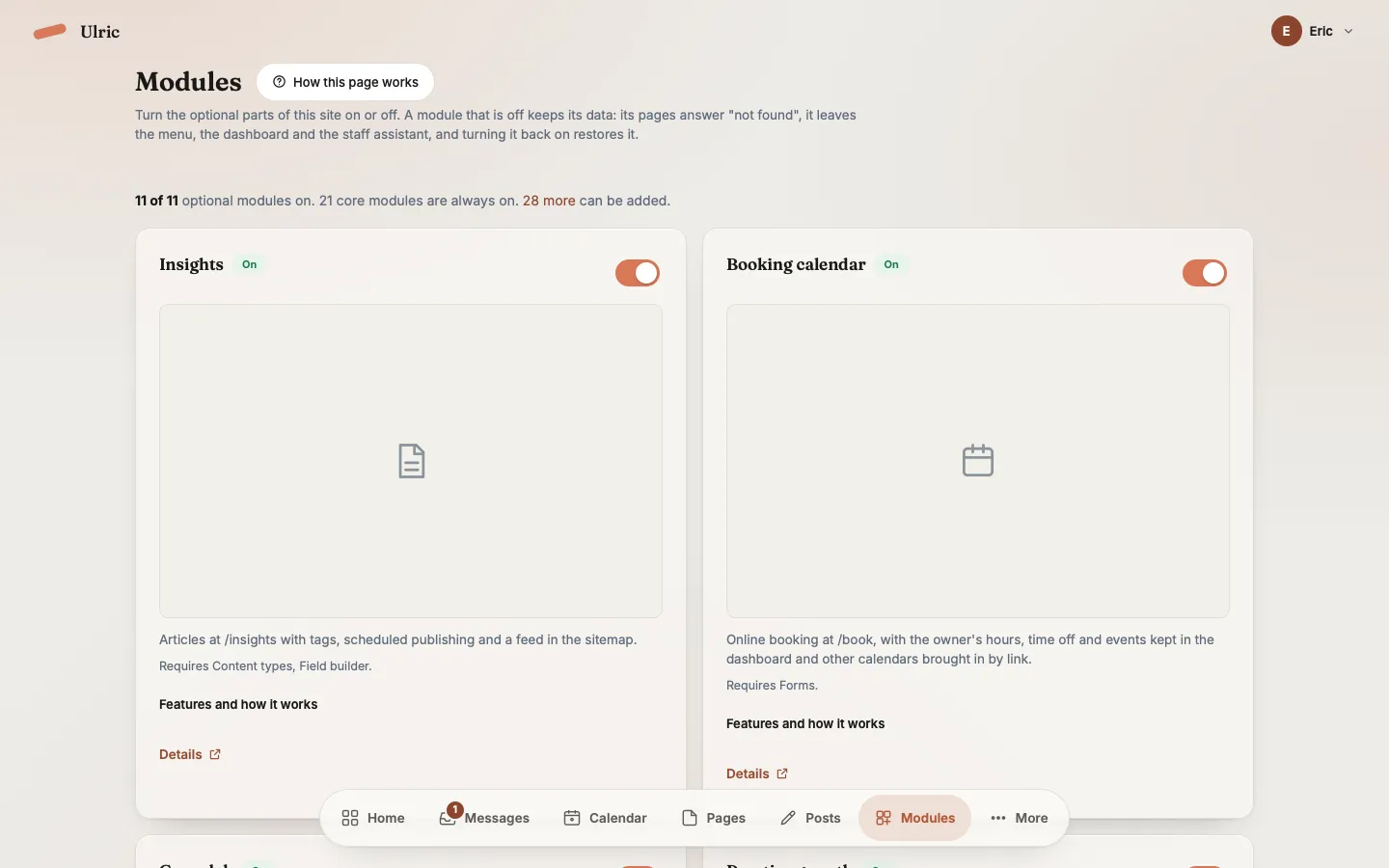
Modules screen
The Modules screen: what this site runs, what it could add, and a one-tap request to have a module installed.
-

Field builder
The field kinds every content type is built from, plus extra fields an owner can add to pages, posts, services and the portfolio.
-
Views and listings
Lists of content on the site: which entries show, in what order, how many per page, as a page of its own or a strip inside another page.
-
Blocks
Reusable pieces placed in the regions of a page, such as a call to action, a hours panel or a list, each shown only where it belongs.
-
Forms
Forms built from fields: contact, intake and signup forms, each with its own thank-you, its own notifications and a list of what was sent.
-

Integrations
Connections to outside services: hooks that fire on a new lead and the nightly syncs.
-
Image presets
Images resized and cached at every size the site needs, so pages load fast on a phone.
-

Site
The public site itself: pages, the contact page and the error pages.
-
Payments
Payments through Stripe: checkout, the customer portal and the webhooks that record what was paid.
Content 10
-

Homepage editor
The homepage panels, the hero media and the editor that arranges them.
-

Asset library
The media library every editor picks images and video from, sorted into folders.
-

Insights
Articles at /insights with tags, scheduled publishing and a feed in the sitemap.
-
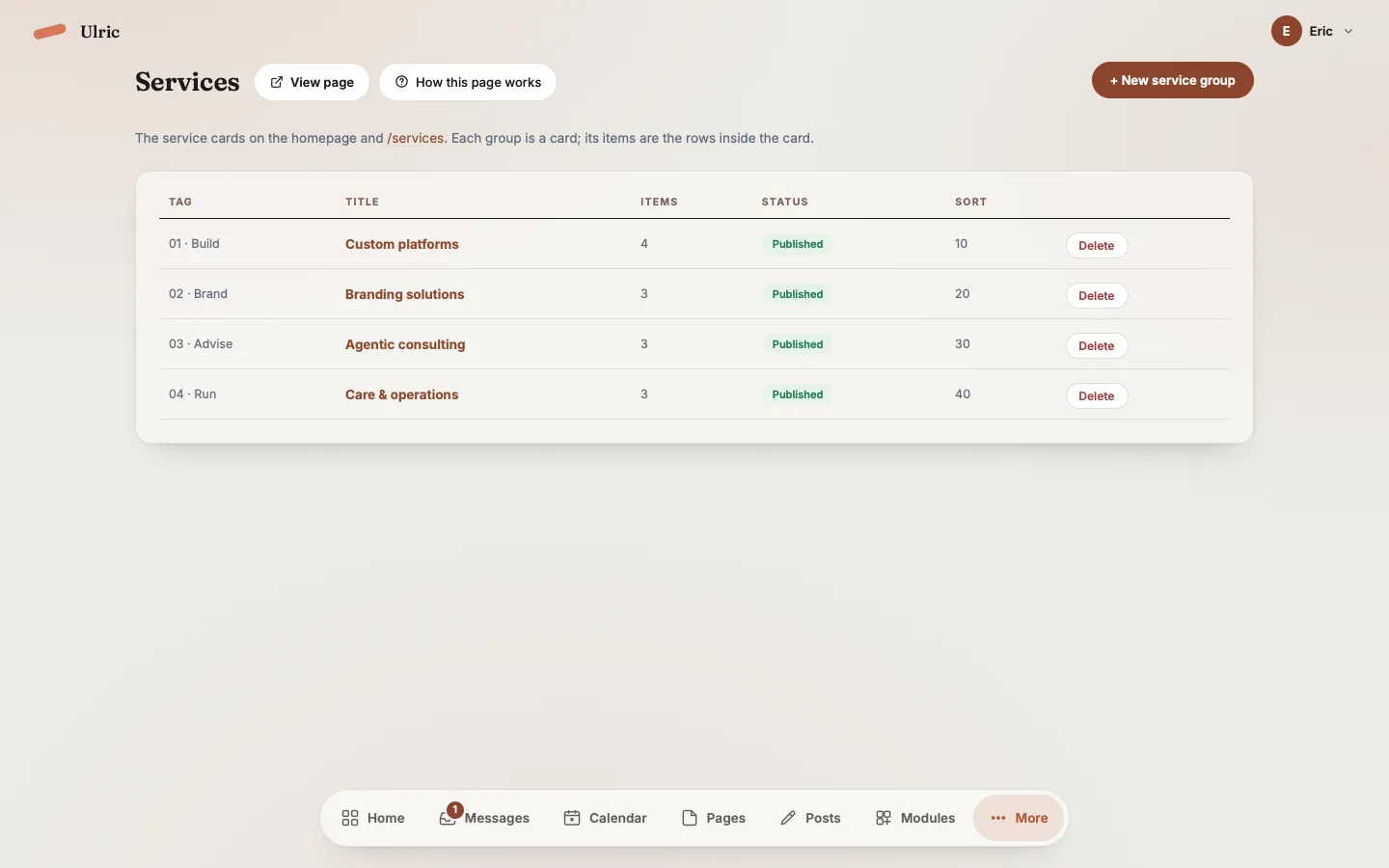
Services
A /services hub with one page per service group.
-

Videos
A /videos library with one watch page per video, each one marked up so search engines know it is a video.
-
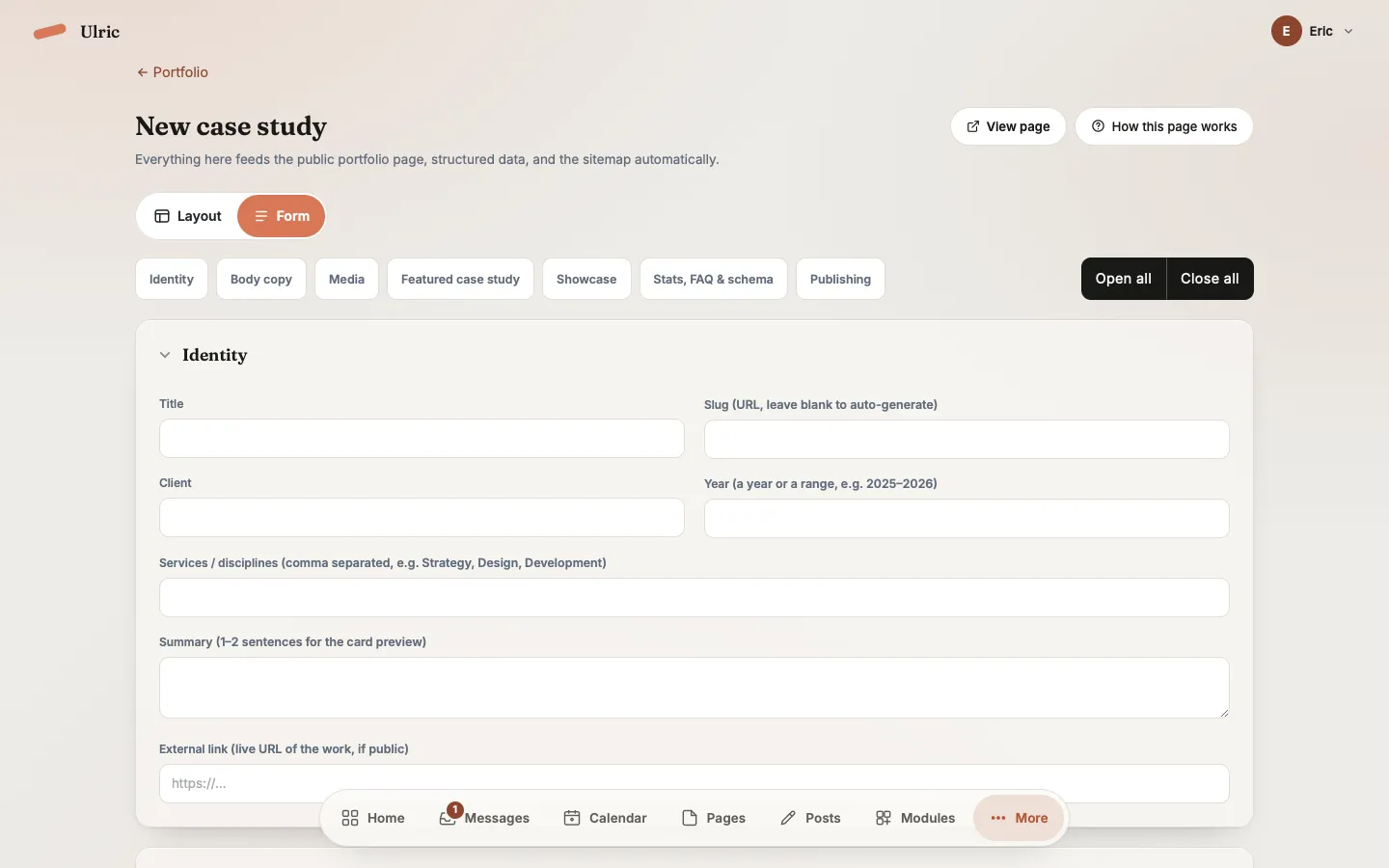
Portfolio
A /work gallery of projects or case studies, one page each, with photos, the scope and the result.
-
FAQ
Questions and answers at /faq, each one edited on its own and grouped by category.
-
Careers
Open positions at /careers, kept current from the dashboard.
-
Photo albums
Public /photos albums and a /videos reel page.
-
Second language
A translated twin of each page in a second language, with its own addresses.
Marketing 11
-

Testimonials
Client testimonials and the editor that keeps them, shown wherever the theme asks for them.
-

SEO
The sitemap, robots.txt, llms.txt and structured data, kept current as the site changes.
-

Email list
An email list: a signup form with double opt-in, the subscriber list, and campaigns sent from the dashboard.
-
Site traffic
Google Analytics and Search Console numbers on the dashboard, this period against the last.
-
Weekly SEO loop
A weekly read of Search Console with the fixes and suggestions that would help the site rank.
-
Announcement bar
A thin bar across the top of every page for short news such as holiday hours.
-
Instagram feed
The site's own Instagram posts shown on the site, stored here, with no embed script slowing the page.
-
Site emails
Every email the site sends in one list, with editable wording, previews and a sent log.
-
Redirects
Permanent redirects for old addresses, so a move from Wix or Squarespace keeps its search traffic.
-
Post creator
Social posts composed from the site's own photos, with drafted captions and PNG export.
-
Reel creator
Short vertical videos with text overlays, rendered to MP4 from the site's own clips.
AI 2
-
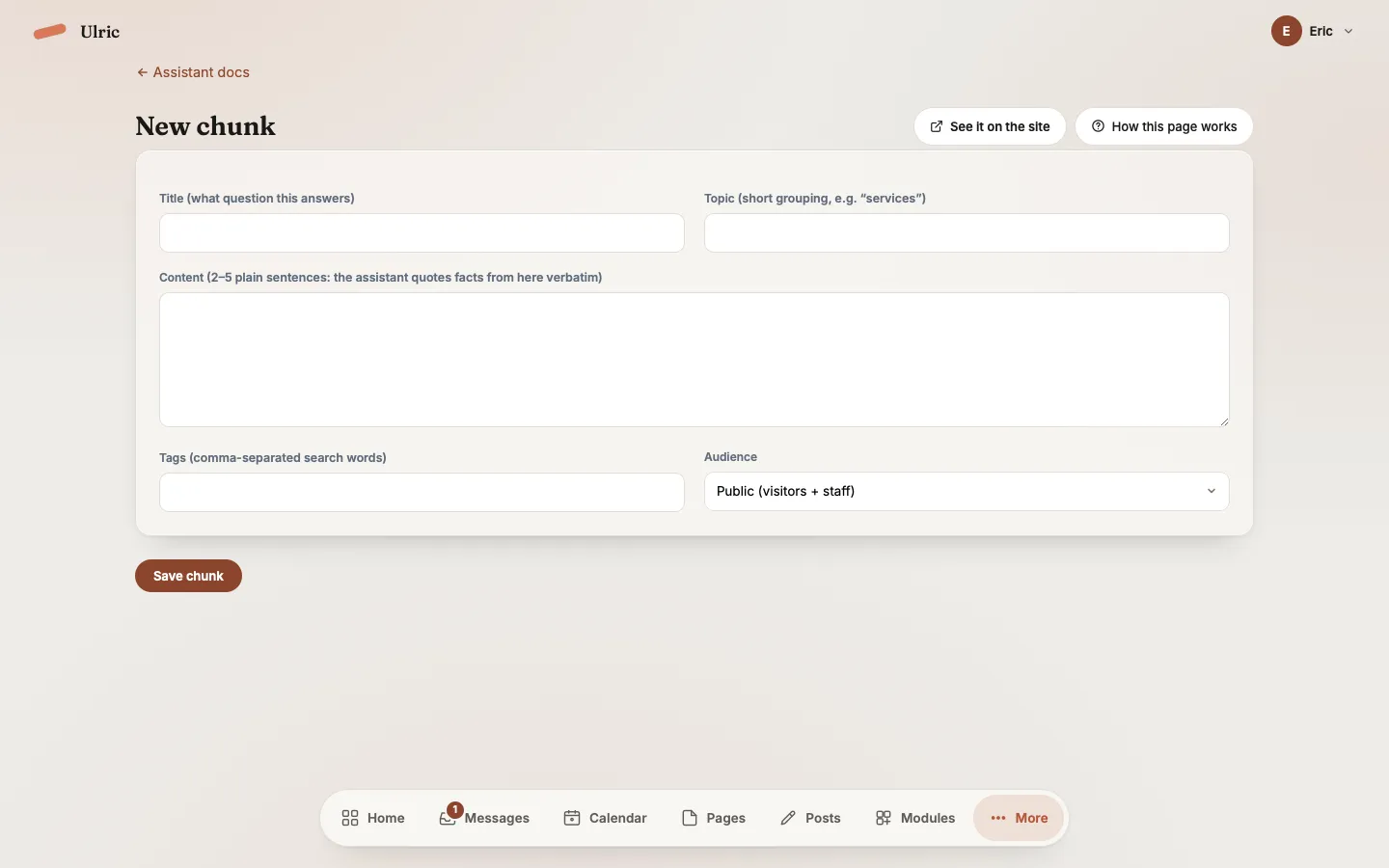
Assistant chat
An assistant for visitors on the public site and a second one for staff in the dashboard, both answering from the site's own words.
-
AI connector
The site and its dashboard reachable from Claude or ChatGPT through a private connector.
Bookings & CRM 3
-

CRM
The customer side of the dashboard: contacts, customers, tasks, chat transcripts, users and roles in one place.
-

Leads
The intake form and thank-you page that turn a visitor into a lead the owner can follow up.
-

Calendar and booking
Online booking at /book, with the owner's hours, time off and events kept in the dashboard and other calendars brought in by link.
Practice 1
-
Locations
Several offices, each with its hours, address and the people who work there.
Construction 4
-
Jobs pipeline
A contractor's pipeline from first call to paid job, and what each job earned.
-
Standards
The codes, licenses, safety programs and certifications the company builds to, at /standards.
-
Crew strip
The people on the crew, shown on the homepage.
-
Partner ticker
The companies the business works with, in a ticker on the homepage.