Insights
Clip Calendar: plan, caption and approve short videos
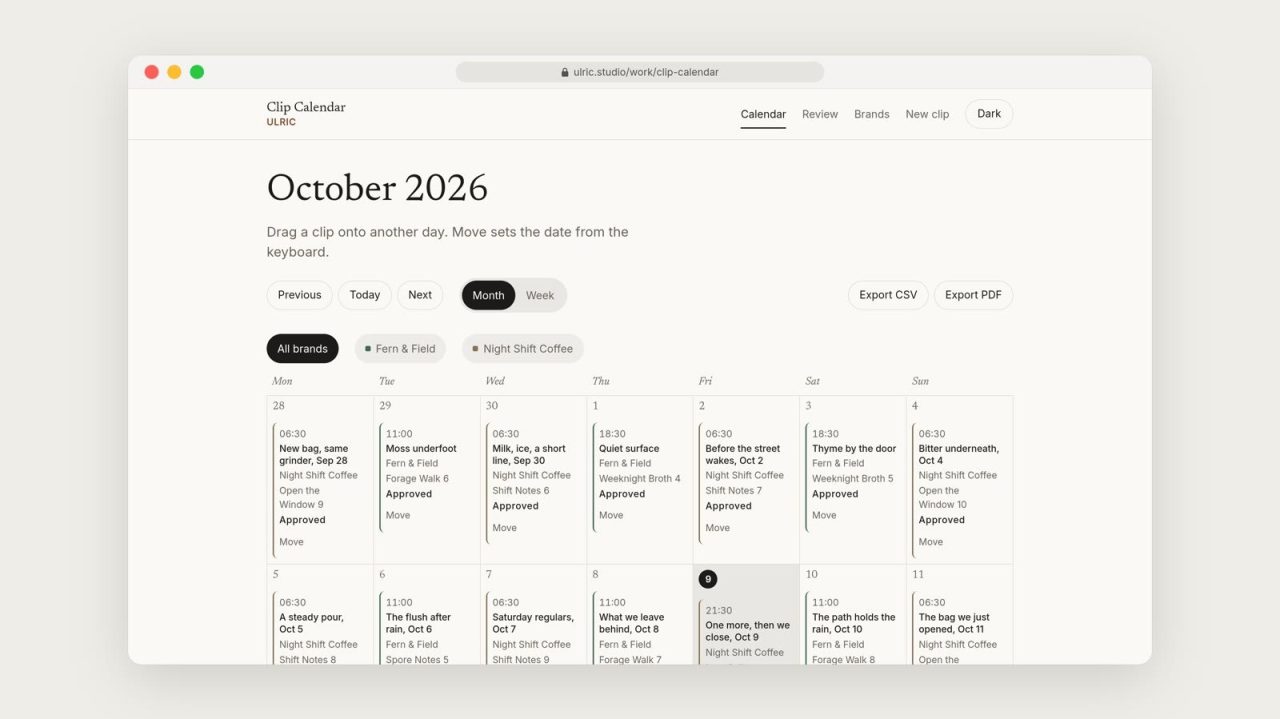
Small brands plan short videos for Instagram, TikTok, YouTube and Facebook in spreadsheets and chat threads. Captions, dates and approvals drift apart, and clips go out before anyone signs off.
How it works
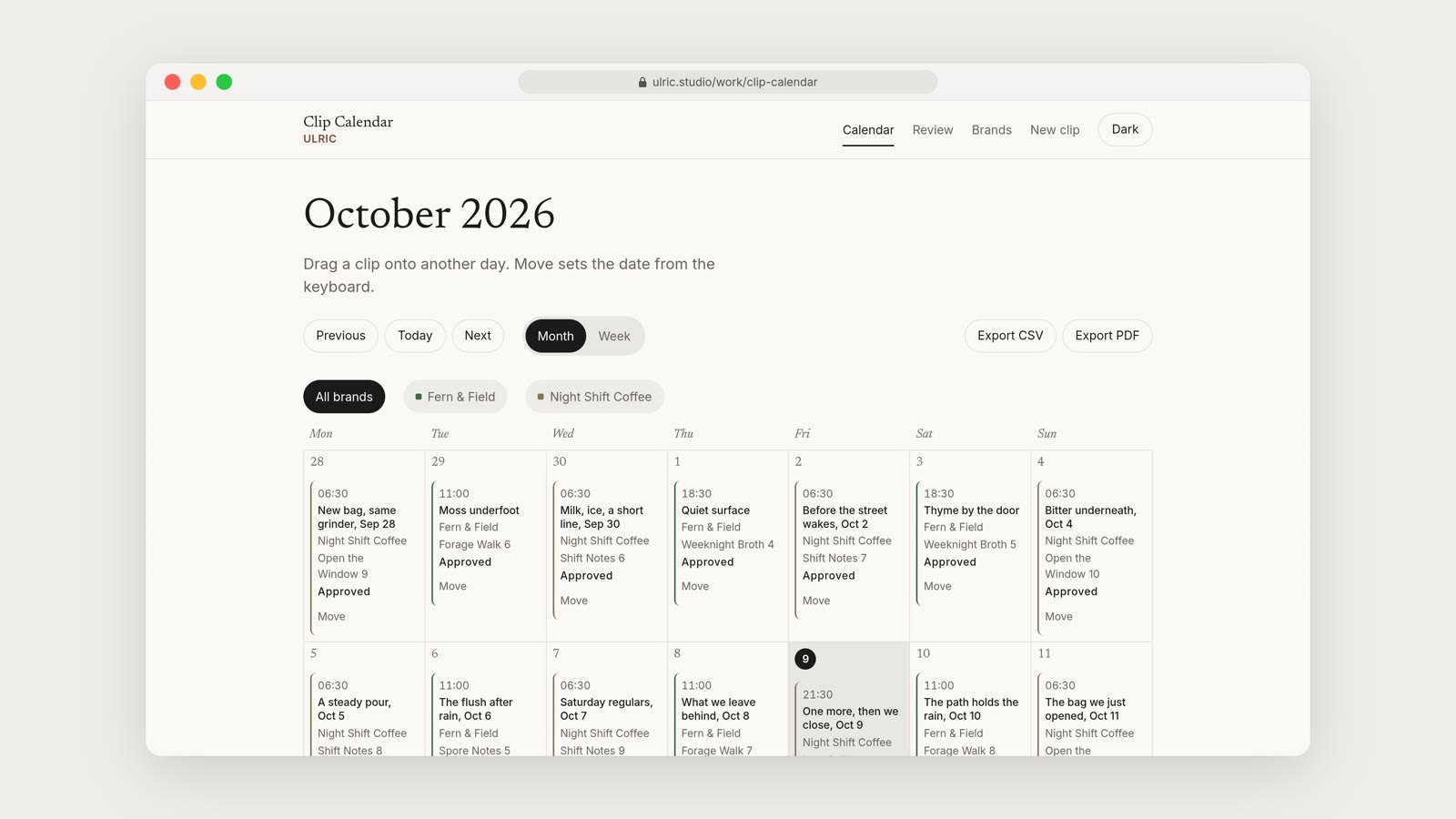
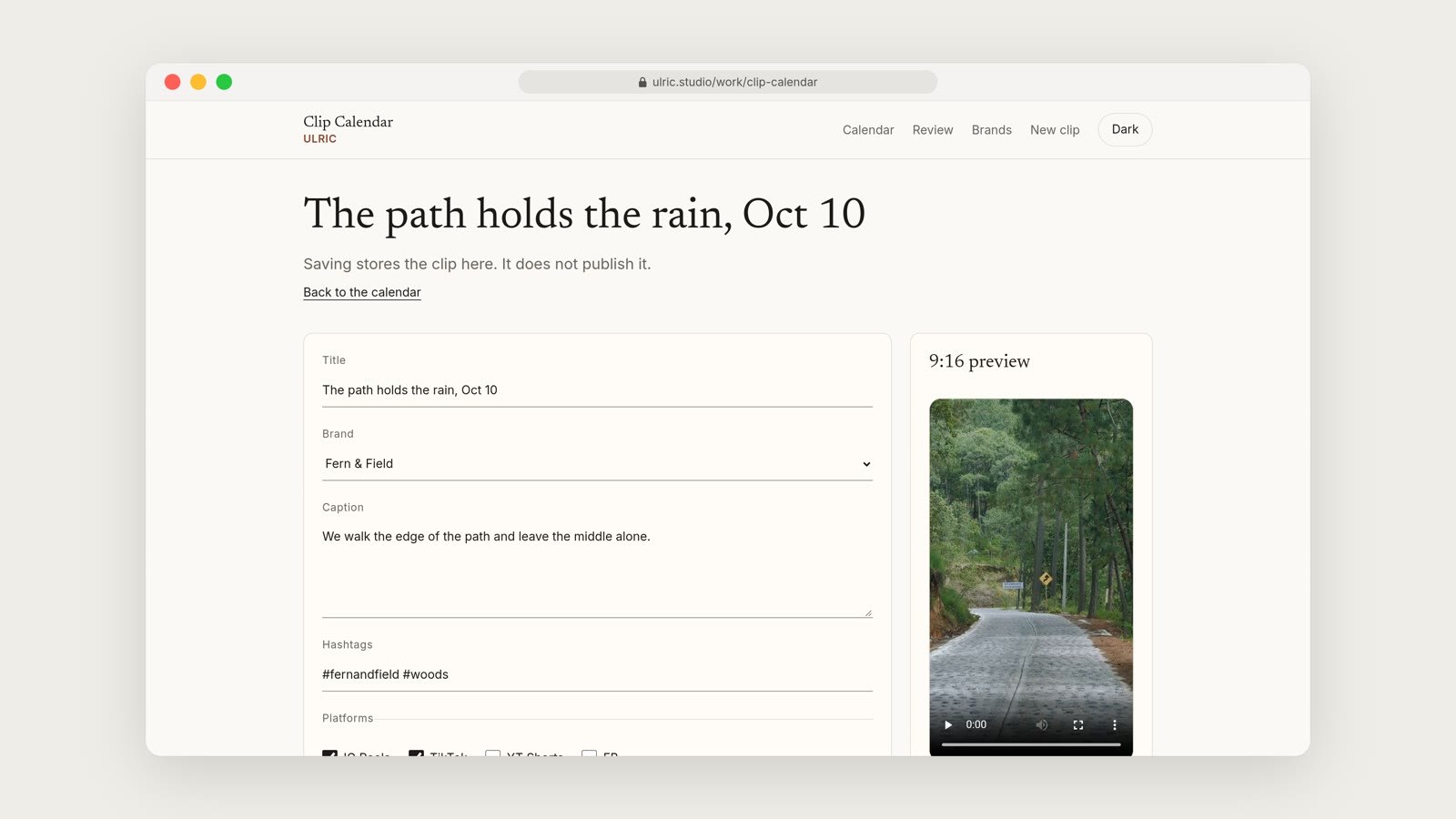
Each clip lives on a brand calendar with its caption, hashtags, platforms and post date. Drag a clip to move it.
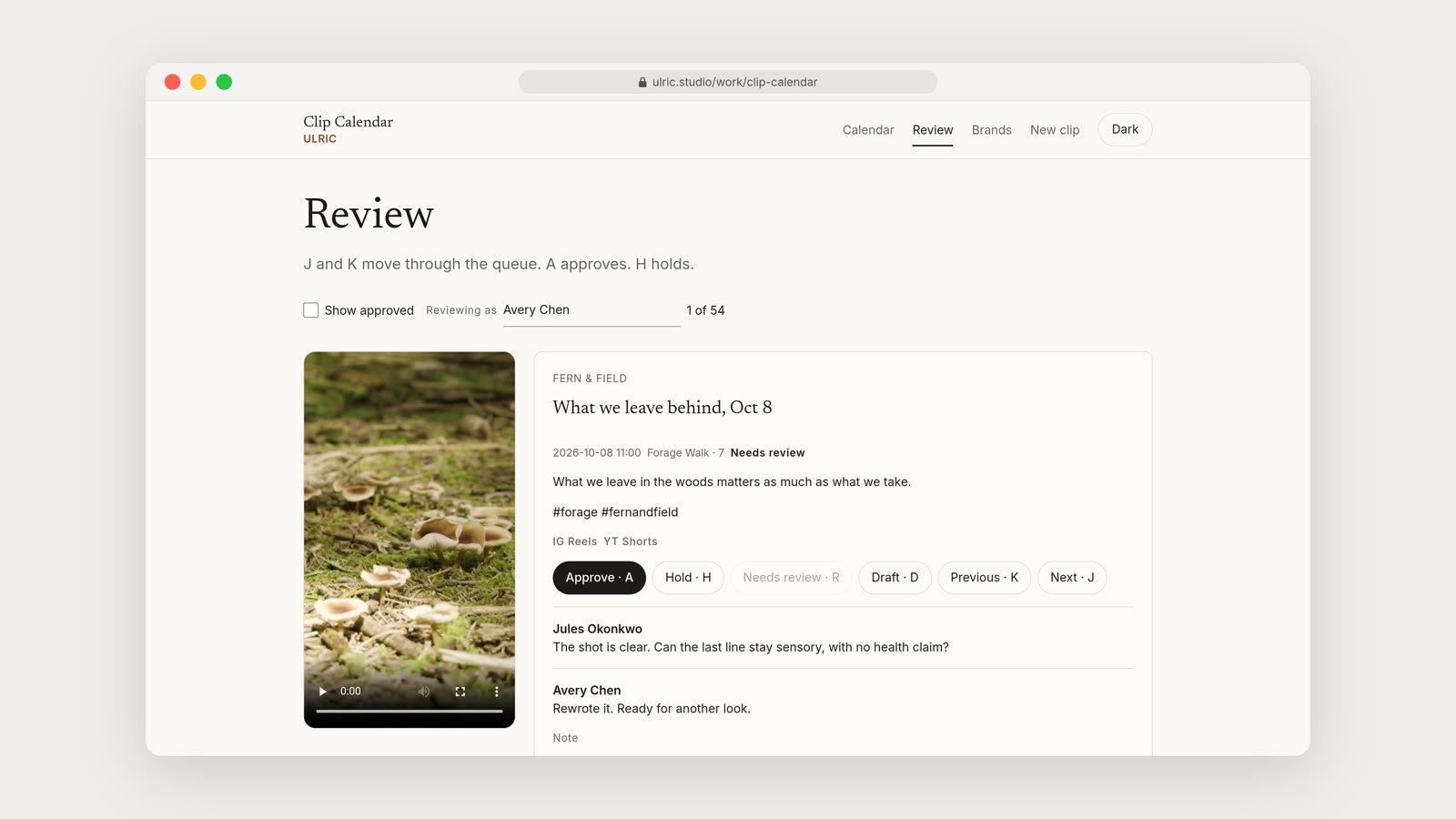
Nothing goes out until someone approves it in the review queue. Share links let a client review without an account.
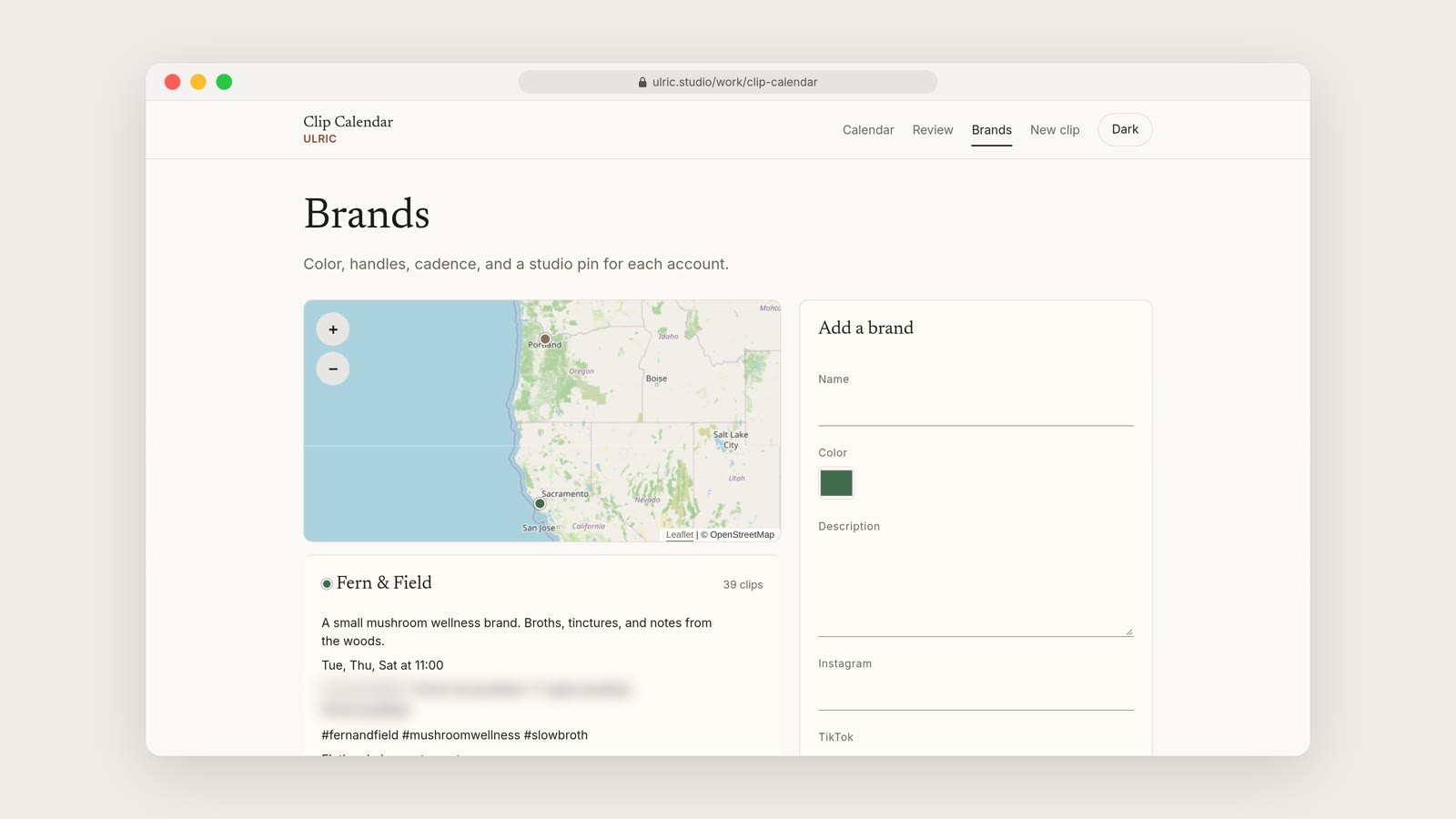
One calendar can hold several brands, each with its own colors and platforms.
It never posts on its own. You stay in charge of what goes live.
Built with
ASP.NET Core 8, Angular, EF Core, MySQL, QuestPDF, three.js and ffmpeg.
Common questions
How does Clip Calendar keep a clip with its caption?
Each clip lives on a brand calendar with its caption, hashtags, platforms and post date. Drag a clip to move it to another date.
What stops a clip going out before anyone signs off?
Nothing goes out until someone approves it in the review queue. Share links let a client review without an account.
Can I run more than one brand?
Yes. One calendar can hold several brands, each with its own colors and platforms.
Does it post to the platforms for me?
No. It never posts on its own. You stay in charge of what goes live.
Related